– 6 –
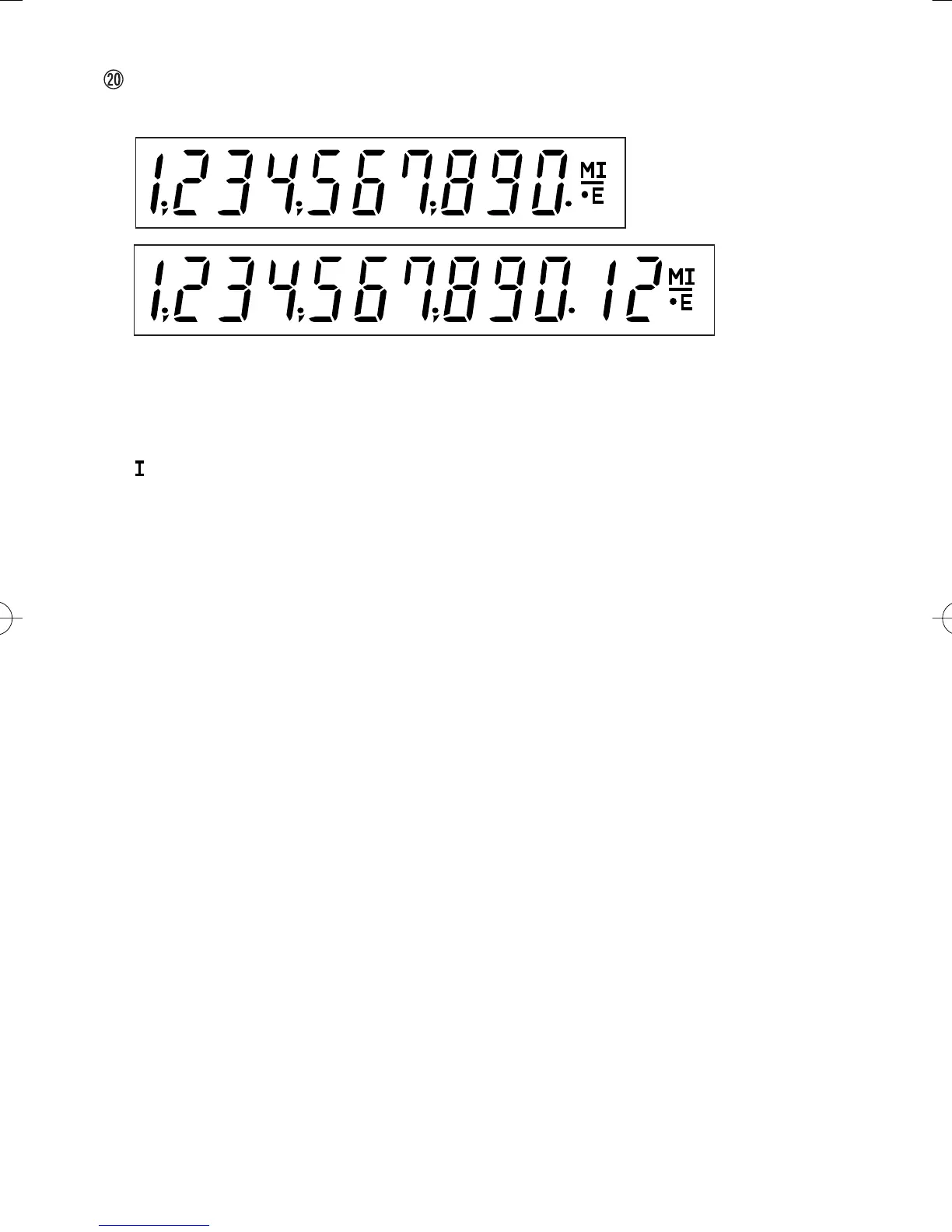
DISPLAY
Display format:
Symbols:
M : First memory symbol
Appears when a number has been stored in First memory.
: Second memory symbol
Appears when a number has been stored in Second memory.
– : Minus symbol
Appears when a number is a negative.
E : Error symbol
Appears when an overflow or other error is detected.
• : Grand total memory symbol
Appears when a number is in the grand total memory.
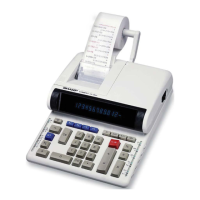
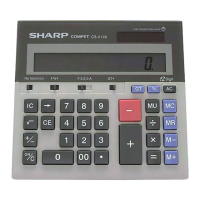
(CS-1194H)
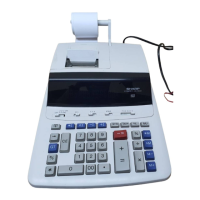
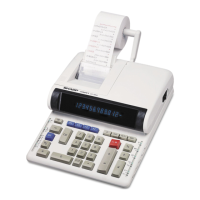
(CS-2194H)
CS-1194H/2194H(U1C)-Eng 02.5.15, 3:18 PMPage 6 AdobePageMaker6.5J/PPC



 To Next Page