14 | P a g e
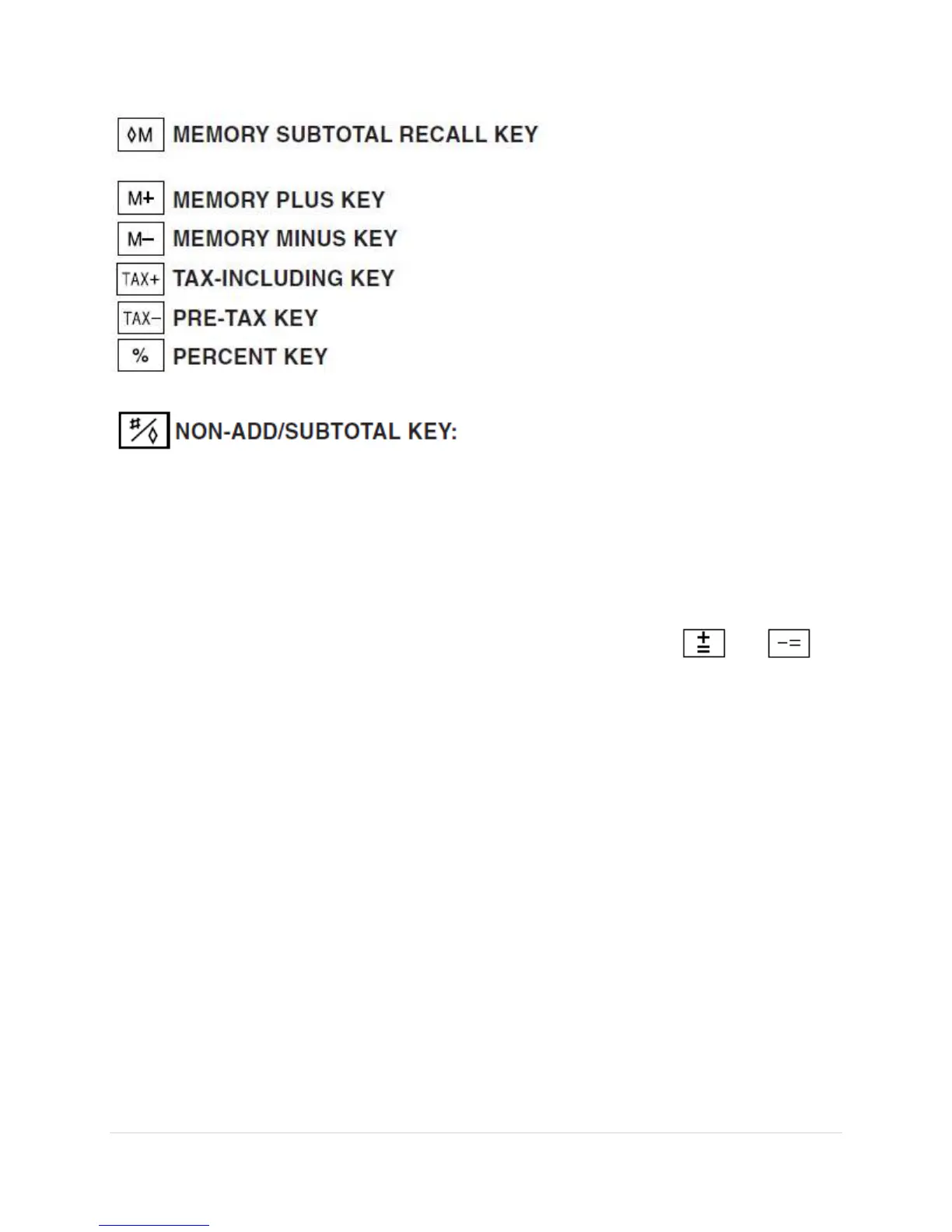
Non-add – When this key is pressed right after an entry of a
number in the Print mode, the entry is printed on the
left-hand side with the symbol “#”.
This key is used to print out numbers not subjects to
calculation such as code, date, etc.
Subtotal – Used to get subtotal(s) of additions and/or
subtractions. When pressed following the or
key, the subtotal is printed with the symbol “◊” and the
calculation may be continued.
By pressing this key even in the Nonprint mode, the
displayed number is printed with the symbol “P”.
When the POWER SWITCH; PRINT / ITEM COUNT MODE
SELECTOR is set “•”, “P” or “P•IC” position, and Date or
Clock is displayed, press this key to print the displayed
contents, including “#” symbol, from the left side of the paper
roll.
Example:
Date printing
#9 • 15 • 2004 • • • • • •
(When the date is September 15, 2004)
Clock printing
#10 • 30 • • • • • • • • • • “A”


 To Next Page