10
1
2
Procedure
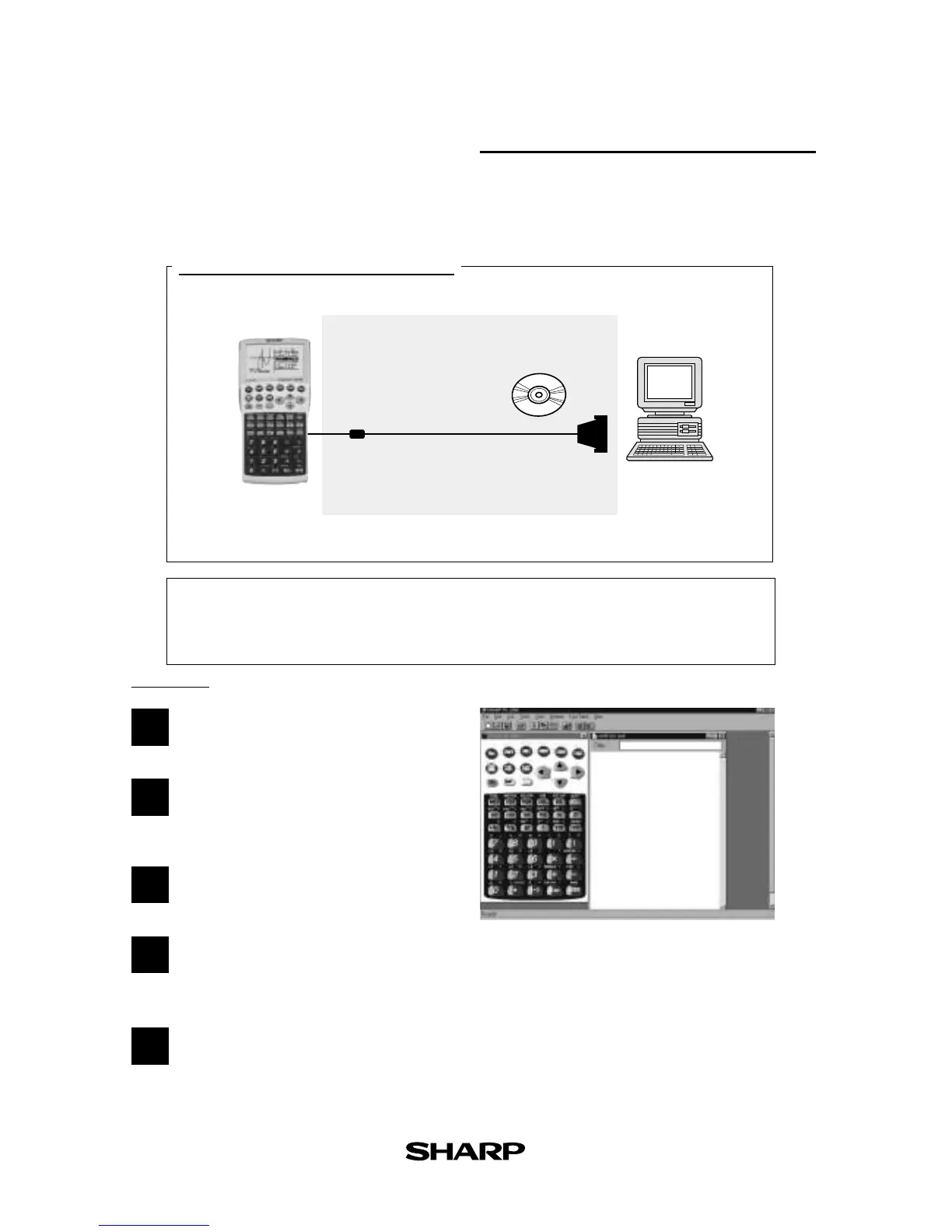
Turn off the EL-9900.
Connect the EL-9900 to the PC by using the
PC-Link Cable
(see above diagram).
Open PC-Link Software.
Switch on EL-9900.
*
It is essential to use the same port for both the PC
and the PC-Link Software.
Operate according to the instructions on
the screen.
What is PC LINK?
IBM
®
PC
PC-Link
Software
Link Cable
CE-LK2
Main Unit
CE-LK2(PC-link system)
• Creates and edits EL-9900 programs on a PC.
• Receives and saves programs and various data from EL-9900.
• Makes a backup of all the contents of EL-9900.
• Sends programs and various data to EL-9900.
• Loads image data of EL-9900.
• Converts programs and various data files into a Text File. Converts
program text files into a Program File.
• Prints out programs and various data files.
3
4
5
Connect the EL-9900 with a PC to expand the possibilities of data exchange using PC-
Link Software.
PC-LINK



 To Next Page