• Your screen will then display the
different variables, type in the
value for each variable and press
. after each.
• The calculator will then calculate
the expression with the
substituted values. This makes it
quick and easy to do multiple
substitutions using the same
expression.
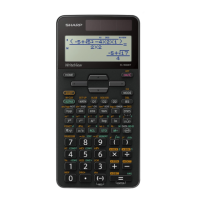
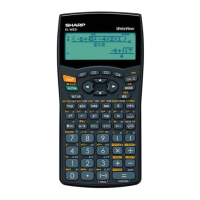
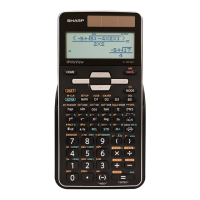
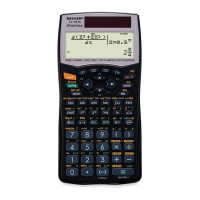
• The example in the calculator
screens used A = 9, B = 6 and
C = - 5.




 To Next Page
