22
KB-3411JS
KB-3411JK
KB-3411JW
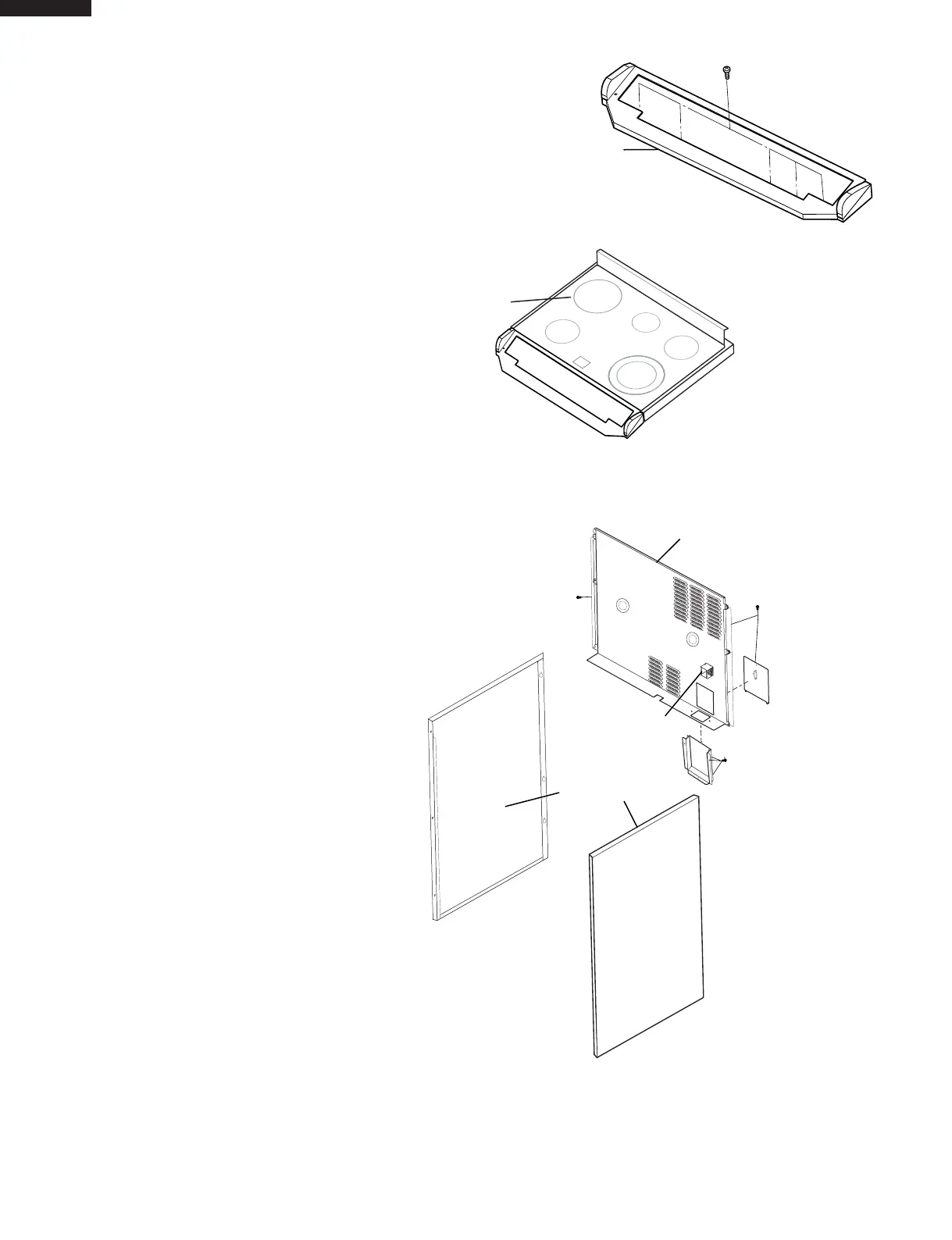
Back Panel
Side Panels
Select Switch
12. Remove electrical cover and screws holding the select
switch from back plate. Then remove all screws
on back plate and carefullyremove back/side
panels (Fig. 6).
Fig. 6
10. Remove screws from Control Panel Frame (Fig 4).
11. Slide Cook Top forward to unlock from
shoulder screws, then remove or reposition (Fig. 5).
Cook Top
Control Panel Frame
Fig. 4
Fig. 5



 To Next Page