26
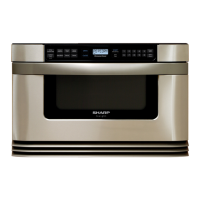
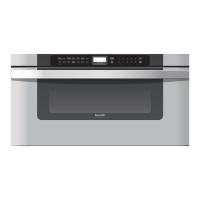
KB-6015KS
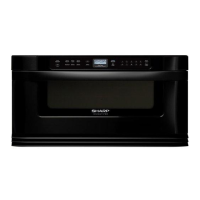
KB-6015KK
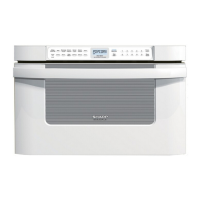
KB-6015KW
At this point, you will have access to all parts of the Microwave Drawer.
7. To remove the Control Panel Frame Assembly,
remove the 6 screws holding the CP frame to the C/P
angle in the back (Fig 3).
8. Unsnap the top C/P frame assembly away from the C/P
frame and unplug all wires. The C/P frame assembly is
now free.
Fig. 3



 To Next Page