LC-60G9T / LC-70G9T
5 – 14
[For ‘T’ model]
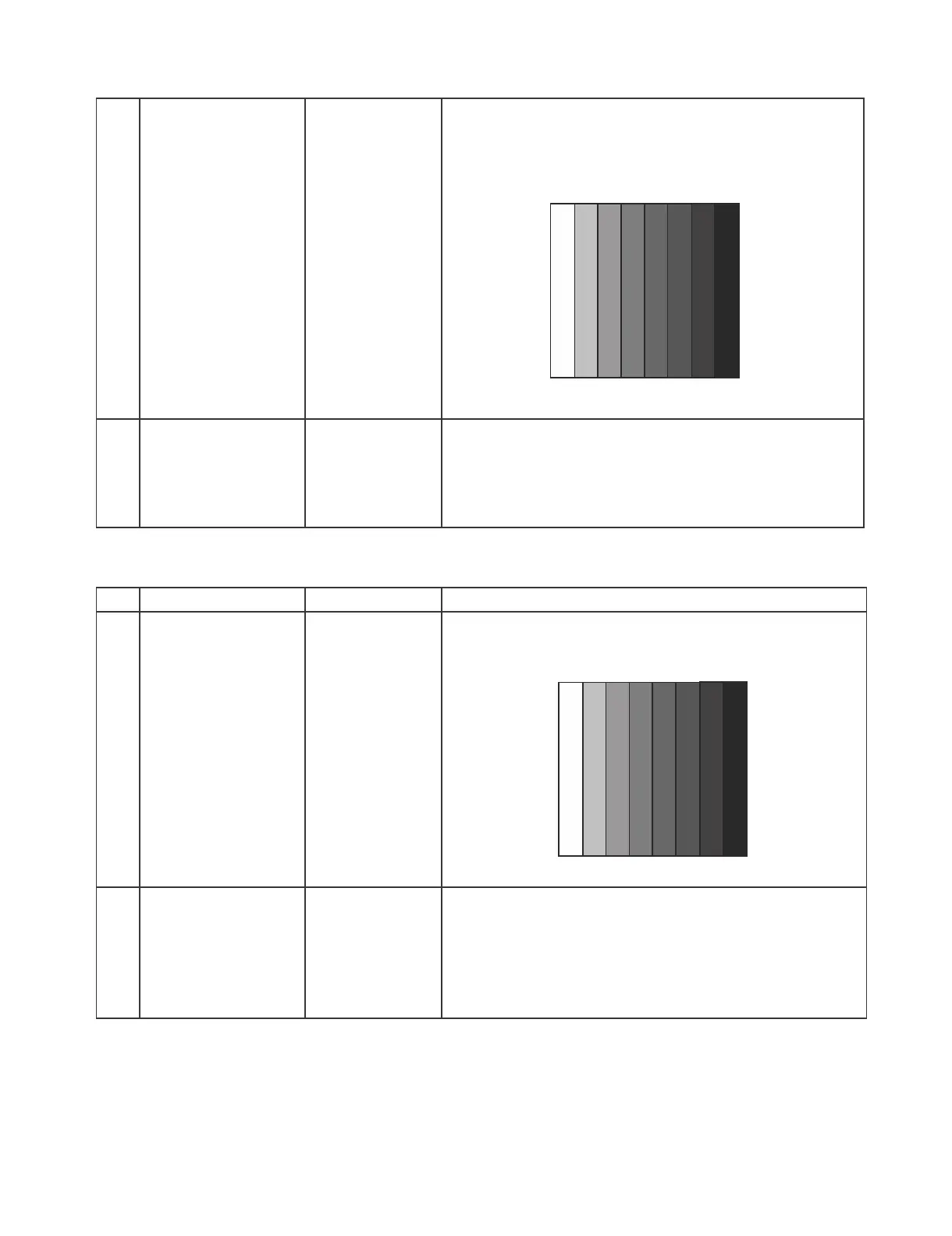
[Signal]
COMP 33K 60Hz
(1080i/60Hz)
100% Full-field
Colour Bar
[Terminal]
COMPONENT
INPUT 5
࣭Feed the COMPONENT 33K 60Hz (1080i) 100% Full-field
Colour Bar signal(100% colour saturation) to
COMPONENT INPUT 5
2 Auto Adjustment
[For ‘X’ & ‘T’ model]
Test Mode page
[7/33]
At the related page, move cursor to [HDTV ADJ], press OK.
[HDTV ADJ OK] appears when finished.
(9.2.9) PC ( Analogue D-sub 15 pin) Signal adjustment [For ‘X’ and ‘T’ model]
ERUDECORPNOITIDNOCMETI
1 Setting
[For ‘X’ & ‘T’ model]
[Signal]
XGA 60Hz
100% Full field
Colour Bar
[Terminal]
PC INPUT 7
࣭Feed the XGA 60Hz 100% Full field colour bar signal (100%
colour saturation) to PC INPUT
2 Auto Adjustment
[For ‘X’ & ‘T’ model]
Test Mode page
[8/33]
At the related page, move cursor to [ANALOG PC ADJ], press
OK.
[ANALOG PC ADJ OK] appears when finished.
100% WhiteЍЋBlack
100% WhiteЍЋBlack



 To Next Page