39
Deleting the history list of a dictionary
1. Press
m
, then
9
to open the Set-up
menu.
2. Press
4
to select ‘Verlauf löschen’.
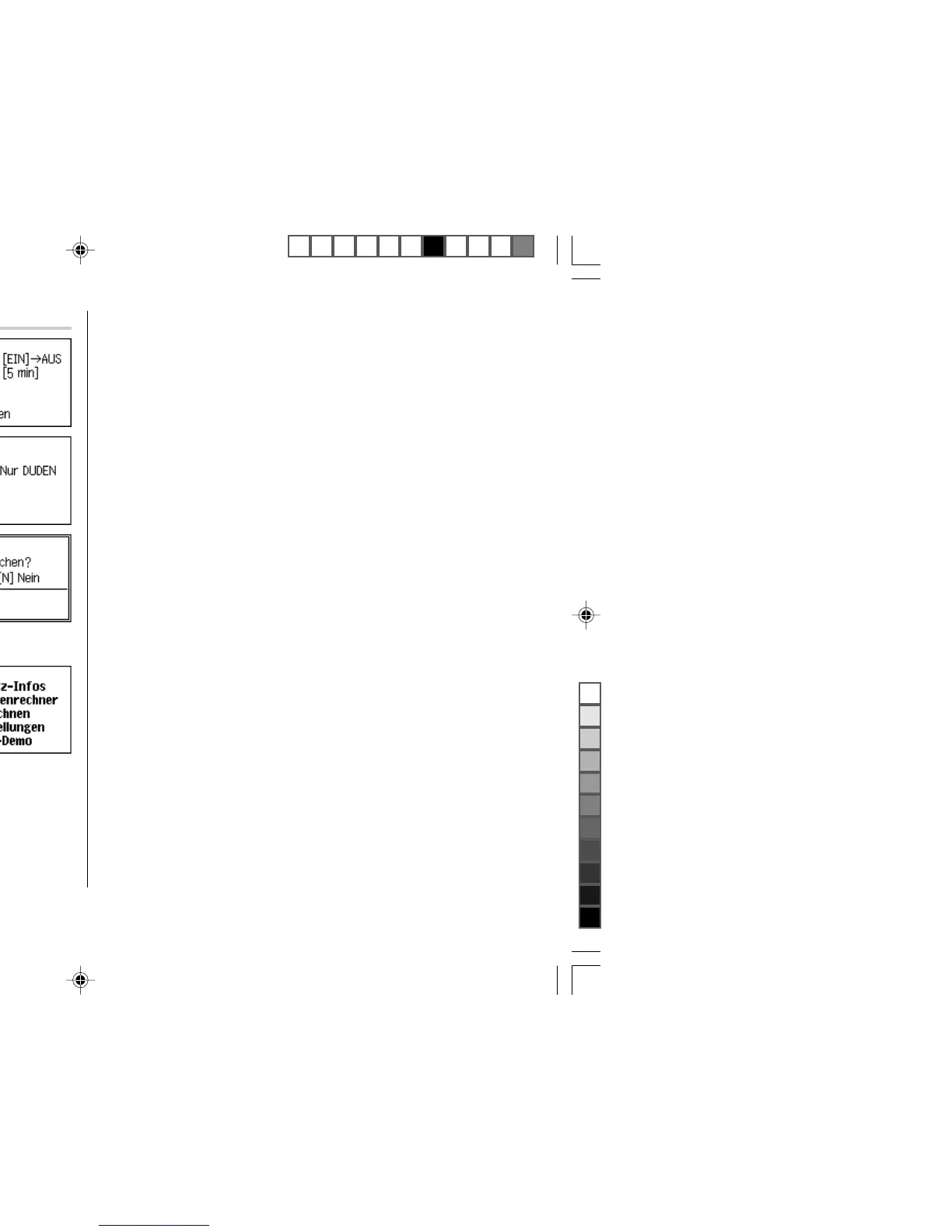
3. Use the number keys to select the history list
you wish to delete. A confirmation dialogue
for deletion appears (press
2
in this
example).
•To delete all history lists, select ‘ALLES’.
• Selecting ‘Nur EN-DE’, ‘Nur DE-EN’, ‘Nur
FR-DE’ or ‘Nur DE-FR’ will also delete the history list of each phrase search.
4. Press
J
. The selected history is deleted
and the main menu appears.


 To Next Page