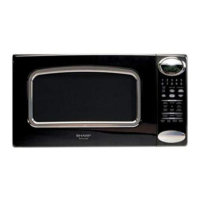
R-4H54
TEST PROCEDURES (CONT’D)
PROCEDURE
LETTER
COMPONENT TEST
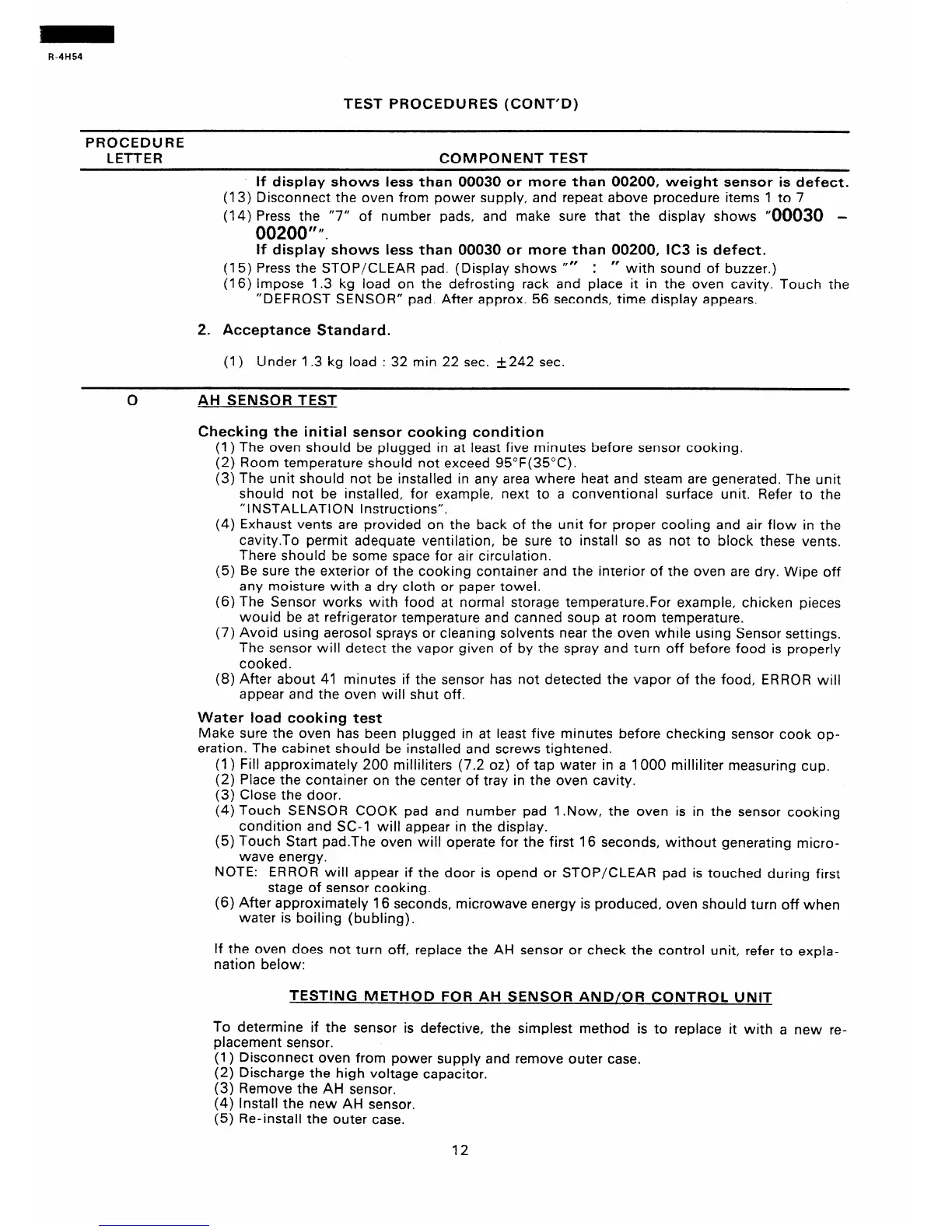
If display shows less than 00030 or more than 00200, weight sensor is defect.
(13) Disconnect the oven from power supply, and repeat above procedure items 1 to 7
(14) Press the “7” of number pads, and make sure that the display shows “00030 -
00200” I’.
If display shows less than 00030 or more than 00200, lC3 is defect.
(15) Press the STOP/CLEAR pad. (Display shows “”
: ” with sound of buzzer.)
(16) impose 1.3 kg load on the defrosting rack and place it in the oven cavity. Touch the
“DEFROST SENSOR” pad. After approx. 56 seconds, time display appears.
2. Acceptance Standard.
(1) Under 1.3 kg load : 32 min 22 sec. +242 sec.
AH SENSOR TEST
Checking the initial sensor cooking condition
(1) The oven should be plugged in at least five minutes before sensor cooking.
(2) Room temperature should not exceed 95”F(35”C).
(3) The unit should not be installed in any area where heat and steam are generated. The unit
should not be installed, for example, next to a conventional surface unit. Refer to the
“INSTALLATION Instructions”.
(4) Exhaust vents are provided on the back of the unit for proper cooling and air flow in the
cavity.To permit adequate ventilation, be sure to install so as not to block these vents.
There should be some space for air circulation.
(5) Be sure the exterior of the cooking container and the interior of the oven are dry. Wipe off
any moisture with a dry cloth or paper towel.
(6) The Sensor works with food at normal storage temperature.For example, chicken pieces
would be at refrigerator temperature and canned soup at room temperature.
(7) Avoid using aerosol sprays or cleaning solvents near the oven while using Sensor settings.
The sensor will detect the vapor given of by the spray and turn off before food is properly
cooked.
(8) After about 41 minutes if the sensor has not detected the vapor of the food, ERROR will
appear and the oven will shut off.
Water load cooking test
Make sure the oven has been plugged in at least five minutes before checking sensor cook op-
eration. The cabinet should be installed and screws tightened.
(1) Fill approximately 200 milliliters (7.2 oz) of tap water in a 1000 miliiliter measuring cup.
(2) Place the container on the center of tray in the oven cavity.
(3) Close the door.
(4) Touch SENSOR COOK pad and number pad 1 .Now, the oven is in the sensor cooking
condition and SC-l will appear in the display.
(5) Touch Start pad.The oven will operate for the first 16 seconds, without generating micro-
wave energy.
NOTE: ERROR will appear if the door is opend or STOP/CLEAR pad is touched during first
stage of sensor cooking.
(6) After approximately 16 seconds, microwave energy is produced, oven should turn off when
water is boiling (bubling).
If the oven does not turn off, replace the AH sensor or check the control unit, refer to expla-
nation below:
TESTING METHOD FOR AH SENSOR AND/OR CONTROL UNIT
To determine if the sensor is defective, the simplest method is to replace it with a new re-
placement sensor.
(1) Disconnect oven from power supply and remove outer case.
(2) Discharge the high voltage capacitor.
(3) Remove the AH sensor.
(4) Install the new AH sensor.
(5) Re-install the outer case.
12


 To Next Page
 Loading...