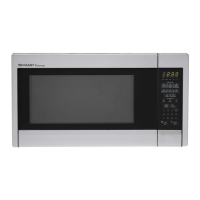
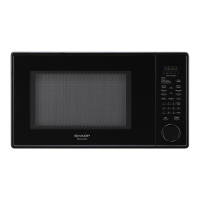
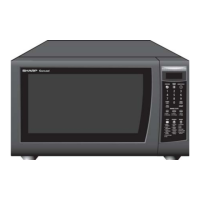
R-4H54
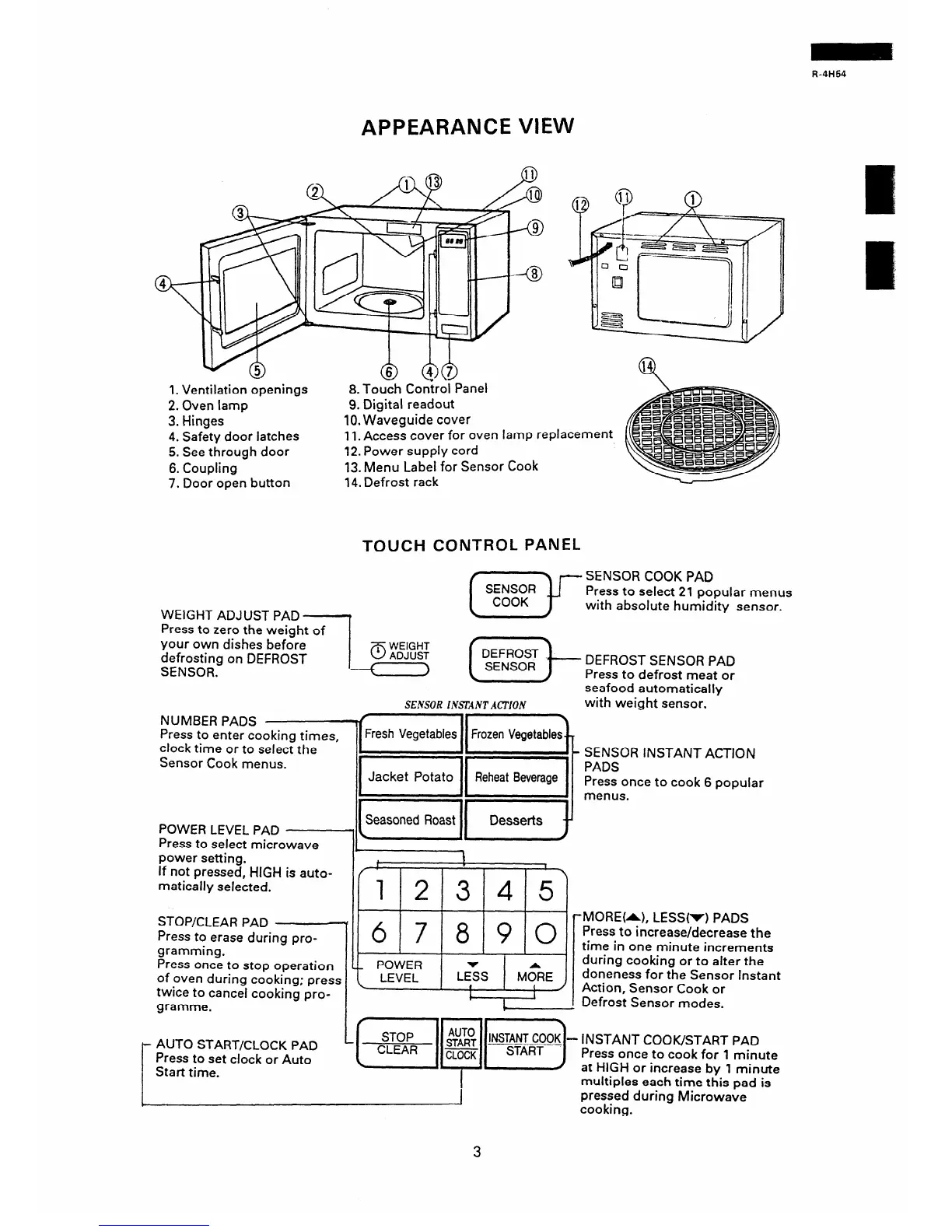
APPEARANCE VIEW
1. Ventilation openings
8. Touch Control Panel
2. Oven lamp
3. Hinges
4. Safety door latches
5. See through door
6. Coupling
7. Door
open
button
9. Digital readout
10. Waveguide cover
.
I
I
11. Access cover for oven ramp replacement
12. Power supply cord
13. Menu Label for Sensor Cook
7 4. Defrost
rack
TOUCH CONTROL PANEL
WEIGHT ADJUST PAD
1
(G-JJ-
SENSOR COOK PAD
Press to select 21 popular menus
with absolute humidity sensor.
Press to zero the weight of
your own dishes before
defrosting on DEFROST
SENSOR.
pq (q- F;;I;;;;;lF
.
SENSOR INSlliNTACTION
with weight sensor.
NUMBER PADS
Press to enter cooking times,
Fresh Vegetables Frozen Vegetables
clock time or to select the . --
Sensor Cook menus.
POWER LEVEL PAD
Press to select microwave
teasoned Roast 11 Desserts y
l
power setting.
If not pressed, HIGH is auto-
t
!
F’
1
matically selected.
12345
6 7 890
STOP/CLEAR PAD
Press to erase during pro-
gramming.
Press once to stop operation
of oven during cooking; press
twice to cancel cooking pro-
gramme.
c_ POWER
\ LEVEL
LE:S t&?E
#
1
c
1
SENSOR INSTANT ACTION
PADS
Press once to cook 6 popular
menus.
.MORE&), LESS(r) PADS
Press to increase/decrease the
time in one minute increments
during cooking or to alter the
doneness for the Sensor Instant
Action, Sensor Cook or
Defrost Sensor modes.
AUTO START/CLOCK PAD
Press to set clock or Auto
Start time.
I
multiples each time this oad is
pressed during Microwave
cooking.
3



 To Next Page