EasyManua.ls Logo

Sharp VC-MH321HM - Page 24

Sharp VC-MH321HM
41 pages
Print Icon
To Next Page IconTo Next Page
To Previous Page IconTo Previous Page
Loading...
ADVANCED
OPERATION
DIGITAL
DISPLAY
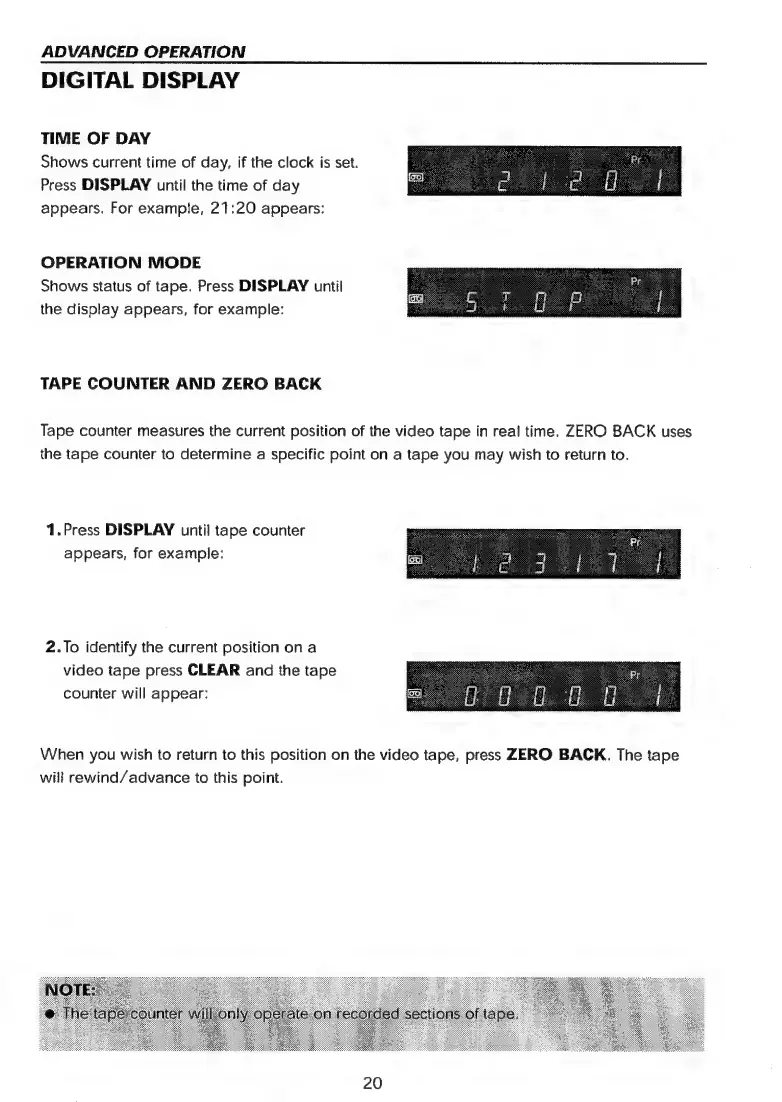
TIME
OF
DAY
Shows
current
time
of
day,
if
the
clock
is
set.
Press
DISPLAY
until
the
time
of
day
appears.
For
example,
21:20
appears:
OPERATION
MODE
Shows
status
of
tape.
Press
DISPLAY
until
the
display
appears,
for
example:
TAPE
COUNTER
AND
ZERO
BACK
Tape
counter
measures
the
current
position
of
the
video
tape
in
real
time.
ZERO
BACK
uses
the
tape
counter
to
determine
a
specific
point
on
a
tape
you
may
wish
to
return
to.
1.Press
DISPLAY
until
tape
counter
appears,
for
example:
2.To
identify
the
current
position
on
a
video
tape
press
CLEAR
and
the
tape
counter
will
appear:
When
you
wish
to
return
to
this
position
on
the
video
tape,
press
ZERO
BACK.
The
tape
will
rewind/advance
to
this
point.
20

Related product manuals