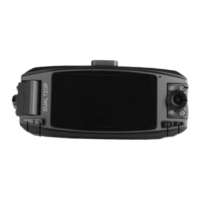
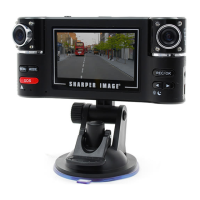
Thank you for purchasing the Sharper Image Dual Recording Windshield Camera.
Please read this guide carefully and store it for future reference.
Item No. 206463
DUAL RECORDING WINDSHIELD CAMERA
User Guide
FEATURES
• Unique human voice in Chinese, Russian and English, and a number of exclusive patents
• SOS emergency button – press SOS button in case of emergency the machine will
automatically save 2 files of the emergency as non-deletable files
• 2.7 “16:9 HD display, dual-lens can rotate by 180 °
• Fast switch to the night-shoot mode
• Seamless video, up to 30 FPS
• 8 night vision infrared lights
• The machine can automatically detect and start the video when the vehicle starts and
support the video-recording while charging

 Need help?
 General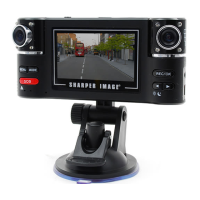

 To Next Page