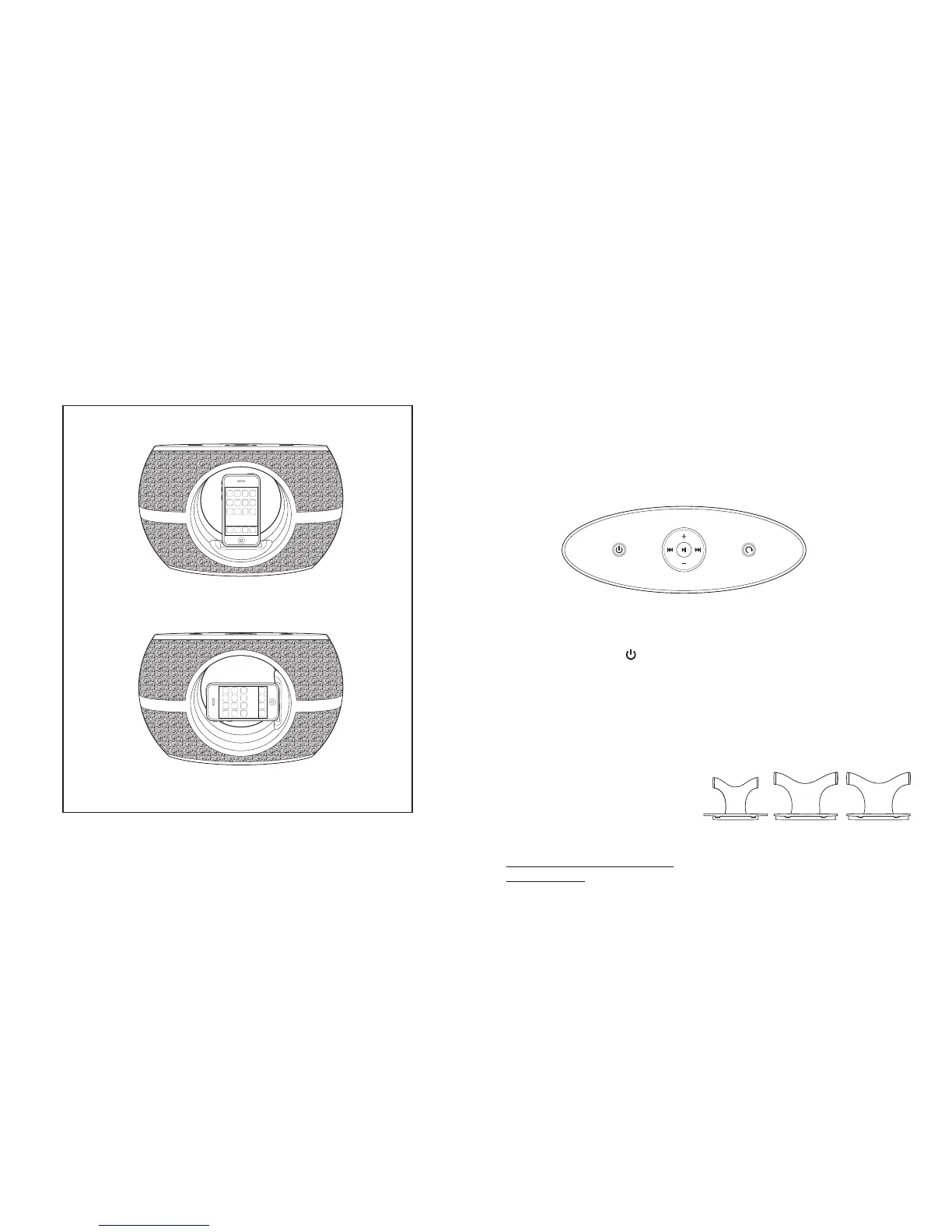
4 5
Rotating Speaker System Dock Features:
• Motorized circular rotating dock (horizontal or vertical)
• Listen to music or watch a movie from your iPhone
• Enjoy the freedom to charge your iPod/iPhone anytime
• High-Quality Digital Volume
• Full-Range Speakers: 2-pc included (2.25” diameter each)
• Powered by AC/DC adaptor 12V /1.5A (120V input) (included)
Getting Started
Listening to Music from iPod:
1. Press the POWER button on the top panel to turn speaker unit on. A white
light underneath the buttons should illuminate.
2. Select appropriate dock insert (below) for your iPod device. Fit iPod carefully
into dock, docking connector should easily match with socket on your iPod.
Please Note: Do not force. Carefully slide iPod over dock connector to
avoid damage.
WARNING: INSERT AND PIN
CONNECTOR ARE DESIGNED
FOR APPLE iPOD MUSIC
PLAYERS ONLY. ATTEMPTING TO
ATTACH OR FORCE ANY NON-
iPOD MUSIC PLAYER INTO THE
ENCLOSED INSERT OR ONTO
THE PIN CONNECTOR WILL
DAMAGE AND EVEN DESTROY
YOUR DEVICE.
Fig. 1



 To Next Page