5
4
EC-PJ10_Buttons.ai 7/6/09 11:04:42 PM
EC-PJ10_Jacks.ai 7/7/09 2:04:08 PM
EC-PJ10_Media Projector.ai 7/6/09 11:28:50 PM
Media Projector - Operation Instructions
1) Set up and Installation
Carefully remove the projector from the box. Make sure you have removed all the
parts in the package. Be sure to read the instruction manual thoroughly before
getting started with the projector set-up.
• Position the projector on a at surface up to 6ft. (72”) from the surface on
which you want to project.
• The projector can be projected onto a screen, a light-colored wall or ceiling
using the provided stand.
• Plug the projector into an electric outlet and check to be sure plug is inserted
correctly. CAUTION: Loose connecting plugs may cause ELECTRIC SHOCK.
• Connect the projector to the source using the supplied cables. (red and
white for audio; yellow for video).
NOTE: For better sound quality, connect the audio cables (red and white)
to an external sound system.
• Once projector is powered on, the fan and the lamp will run. An introductory
screen will appear on the viewing surface.
WARNING: Do not place the projector on a carpeted or upholstered surface to avoid re.
2) Operation
CAUTION: To reduce the risk of electric shock, this appliance is equipped with
a polarized plug (one blade wider than the other). This pug will t in a polarized
outlet only one way. If the plug does not t fully in the outlet, reverse the plug. If it
still does not t, contact a qualied electrician to install the proper outlet. Do not
change the plug in any way.
• Plug projector into main outlet.
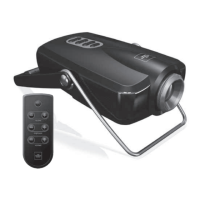
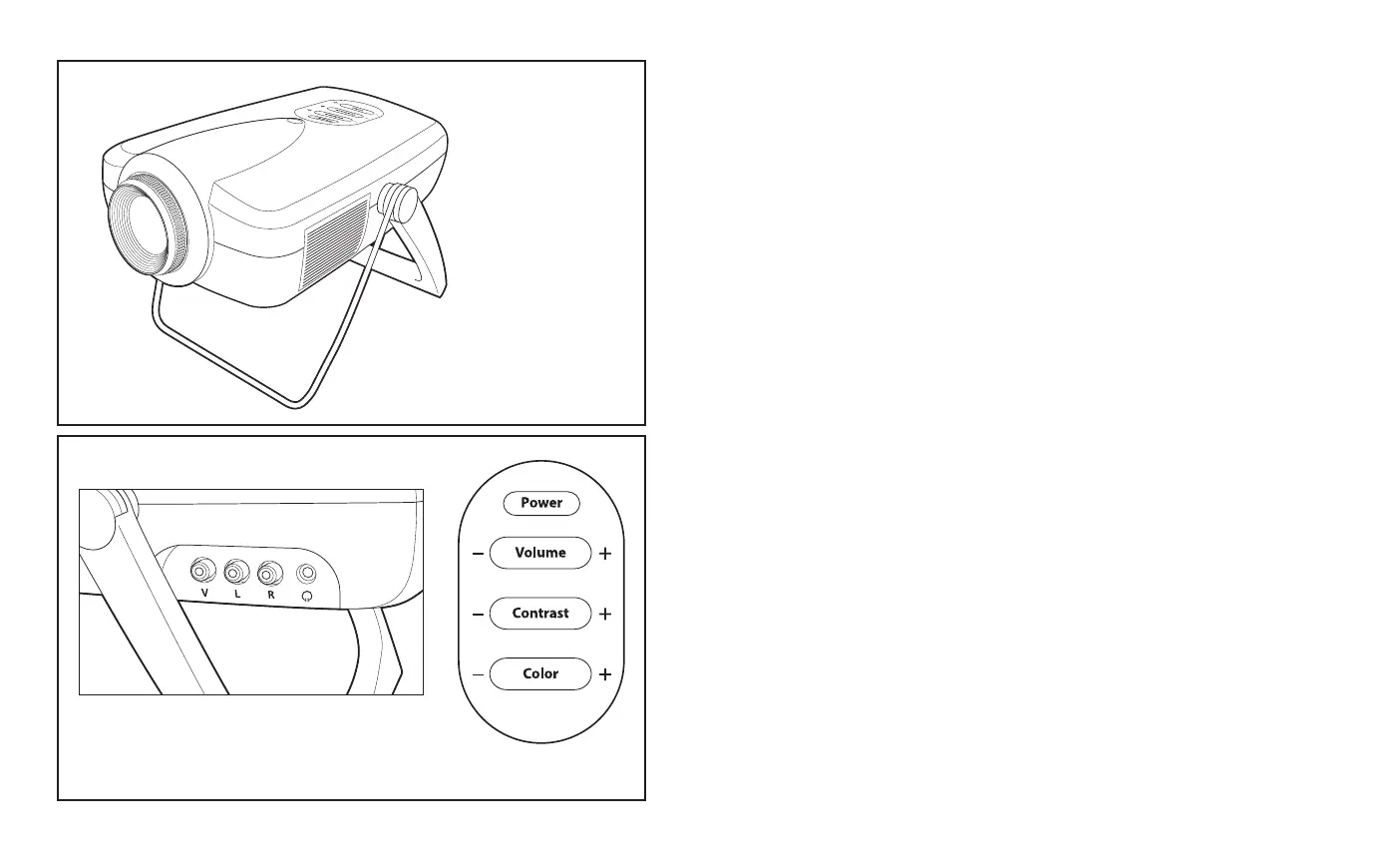
• Press the “POWER” button located on top of the projector to turn on.
• Adjust the stand to make sure the image is projected evenly onto the viewing surface.
• Adjust the focus by turning the lens bezel housing clockwise or
counter-clockwise until you have a sharp viewing image.
• Adjust contrast with the contrast control button located on top of projector.
• Adjust color saturation with the color control button located on top of the projector.
• You can now enjoy your favorite DVD or video games.
• Control the volume with the volume control button located on top of the projector.
• You may also use remote to control volume, contrast and color.
WARNING – Switch off the main power button of the unit when not in use.
Projector side view
Input jacks
Control panel


 To Next Page
 Loading...