
 Need help?
Do you have a question about the Sharper Image EW001 and is the answer not in the manual?
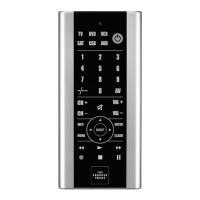
Overview of the Soft-Touch 6-In-1 Wireless IR Remote's capabilities.
Safety guidelines for handling and installing remote control batteries.
Guide to manual and PowerScan methods for programming device codes.
Extensive lists of 3-digit codes for TVs, VCRs, DVDs, SAT, AUD, CAB, and other devices.
Manufacturer is not responsible for unauthorized modifications to the equipment.
Details on FCC compliance, potential interference, and user actions.
Device compliance with FCC Part 15 rules and operating conditions.
Details on what the warranty covers, its duration, and limitations.
Instructions for returning the product for service and customer support contacts.
 General
| Brand | Sharper Image |
|---|---|
| Model | EW001 |
| Category | Remote Control |
| Language | English |

 To Next Page