To Clean
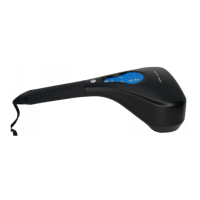
Unplug the unit and allow it to cool before cleaning. Use a soft,
slightly damp cloth to wipe. Never allow water or any liquids to
come into contact with the handle. Never use abrasives, deter-
gents or cleaning agents to clean.
To Store
Unplug the appliance from the outlet and allow it to cool before
storing it in its box or a clean, dry place. Do not wrap the re-
charging cord around the unit. Do not hang the unit by its re-
charging cord.
Maintenance
HF769 IM_v1 0607.indd 11 7/25/07 5:29:43 PM


 To Next Page
 Loading...