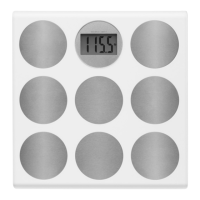
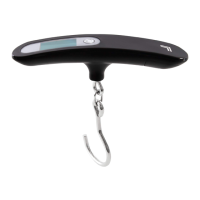
Need help?
Do you have a question about the Sharper Image SC051 and is the answer not in the manual?
Instructions for activating the scale and selecting operational modes.
Describes silent weight measurement and display.
Details sequential height and weight measurement with voice output.
Explains weight measurement and comparison to a preset target.
Details height measurement process using ultrasonic technology.
Guide on setting a target weight using MODE 3 and control buttons.
Instructions for enabling or disabling the voice output feature.
Explains the use of the alignment board for accurate height measurement.
Procedures for taking height measurements while on or off the scale.
Steps for measuring height while standing off the scale.
Instructions for taking weight measurements in various modes.
How the scale reports weight changes relative to a target.
 General
| Brand | Sharper Image |
|---|---|
| Model | SC051 |
| Category | Scales |
| Language | English |

 To Next Page