CONTROLS
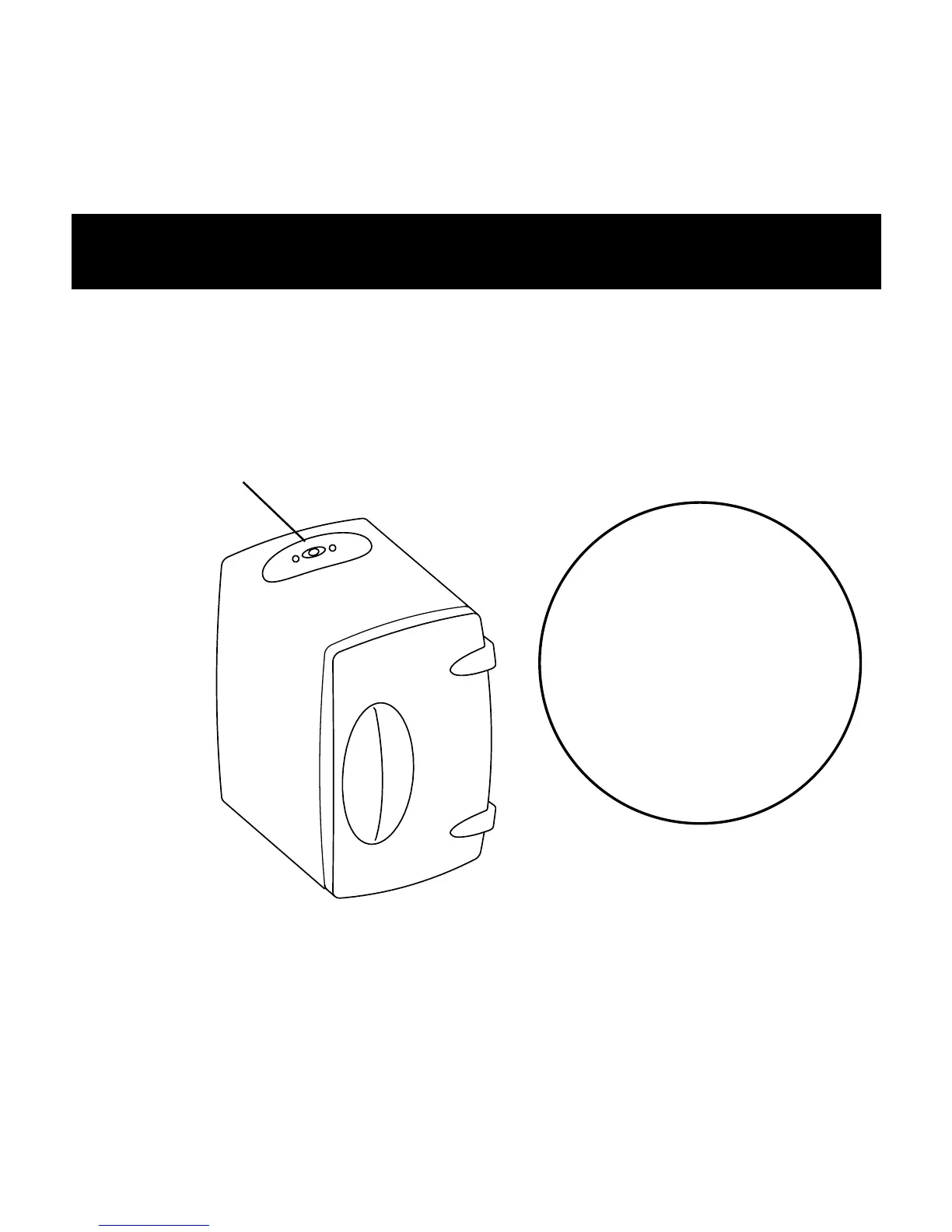
Switch POWER control to desired setting. A red LED
indicates the HOT setting and a blue LED indicates the
COLD setting. The center position turns the unit OFF.
A substantial amount of heating or cooling is lost each time
the door is opened. Avoid unnecessary or frequent opening
of the door.
This product
might release an
odor when new and the
HOT setting is used for
the first time.
This odor will lessen and
disappear after the
first few uses.
POWER
CONTROL



 To Next Page