Setup and Operation
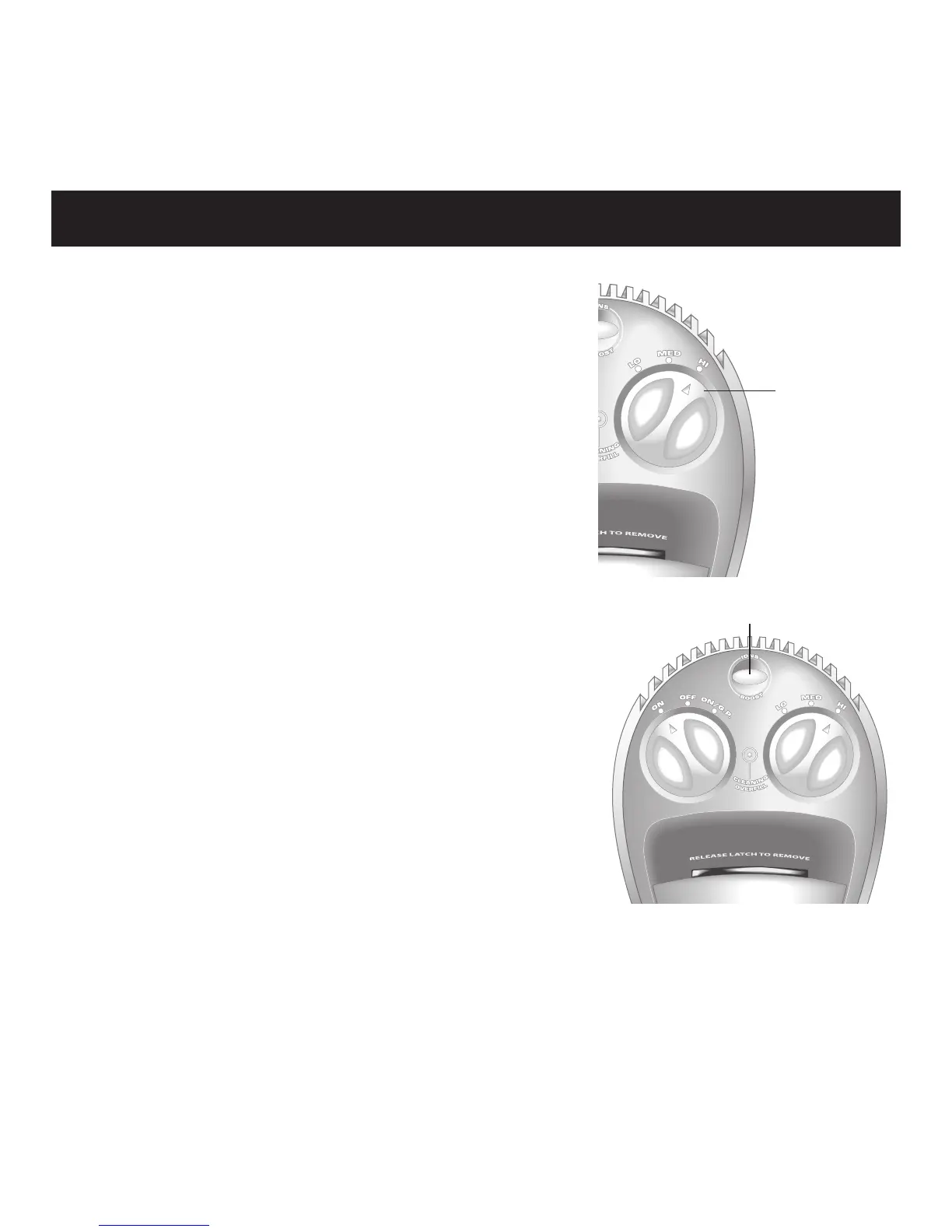
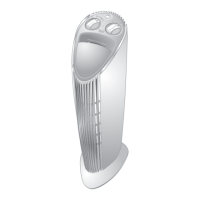
Switch the MODE CONTROL to the
desired setting:
LOW: For small rooms or rooms
where the door is usually closed.
MEDIUM: For average-sized rooms.
HIGH: For large rooms and higher
traffic areas.
To override the MODE CONTROL
setting and to run the unit at maximum
power for five minutes, press BOOST.
Your previously selected power level
resumes after the five minutes.
12
Mode
Control
Boost



 To Next Page