Remote Control
1. Ensure the power switch is in the OFF position.
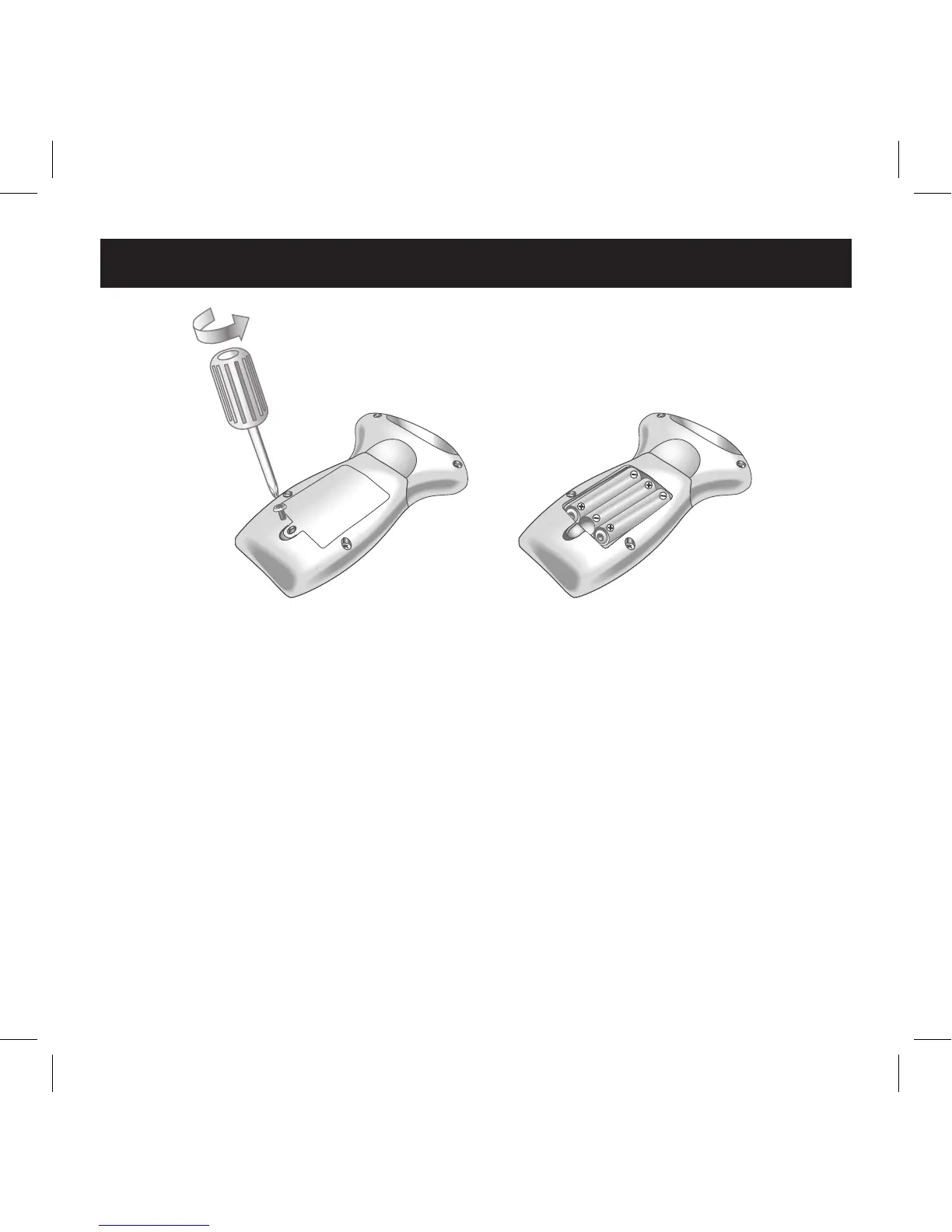
2. To open the battery compartment on the remote control,
remove the screw using a Phillips screwdriver (not included),
then lift off the cover.
3. Install 3 AAA batteries (purchase separately) into the battery
compartment, observing proper +/– polarities as indicated.
4. Replace the cover, then reinstall the screw using a Phillips
screwdriver (not included).
Battery Installation
7


 To Next Page