User and Safety guide32
Choose ADD DEVICE from the menu, click on it and follow instruc-
tions.
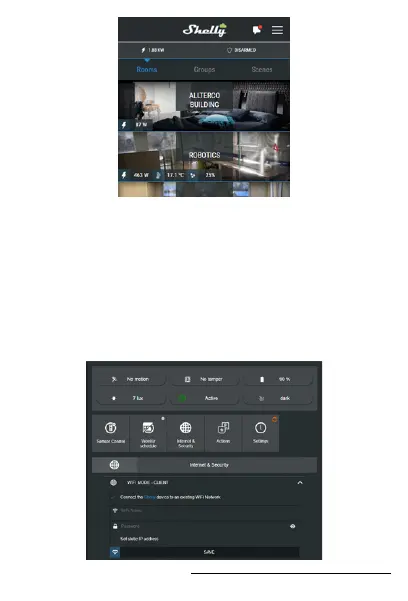
Include it to your WiFi manually
Shelly motion can be added to your home WiFi network without
using the Shelly Cloud APP. To do this, search on your PC or phone
for a Wi-Fi network named shellymotion-xxxxxxxx. Connect to it
and open http://192.168.33.1 with the browser on your phone or
computer. Choose Internet and Security menu, enable WiFi mode
– CLIENT and enter your WiFi network credentials.



 To Next Page