Turn Multipoint Pairing On
TURN MULTIPOINT PAIRING OFF
14
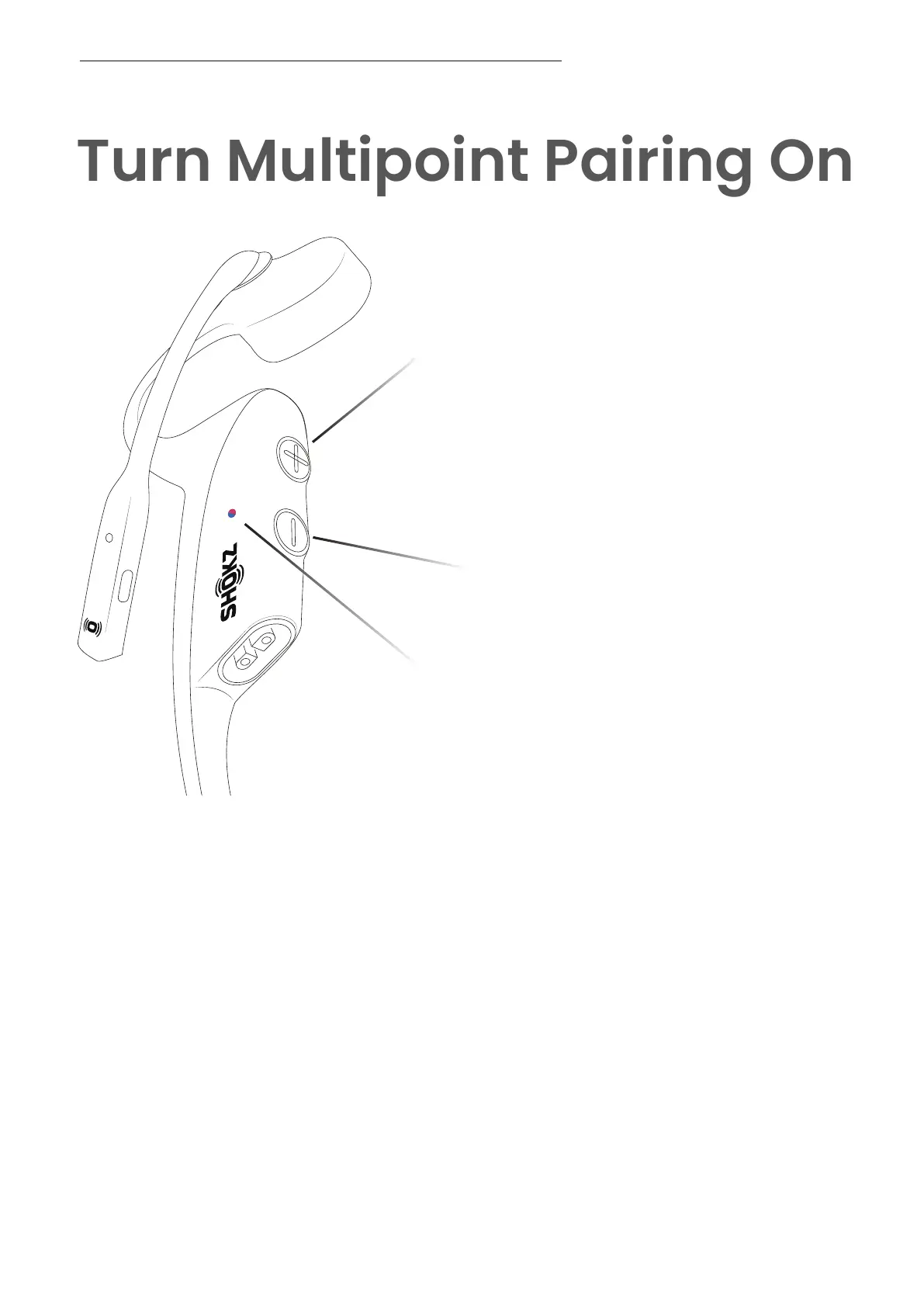
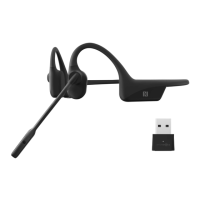
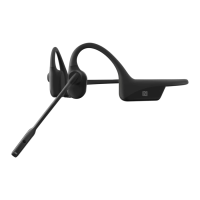
LED Indicator
Power/Volume + Button
Volume - Button
1. Start with your headset powered off.
2. Press and hold Volume + until Audrey will say “pairing” and the LED indica-
tor flashes red and blue alternately.
3. Press and hold the multifunction button and Volume + button until Audrey
will say "multipoint enabled."
4.Open first device's Bluetooth® menu and select "OpenComm2
by Shokz."Audrey will say "connected".
5.Turn your headset off.
6.Re-enter pairing mode by pressing and holding Volume + until
Audrey says “pairing”and the LED indicator flashes red and blue
alternately.
7.Open second device's Bluetooth® menu and select "OpenComm2
by Shokz."Audrey will say "connected."
8.Turn your headset off.
9.Turn your headset on. Your headset is now connected to both devices.




 To Next Page