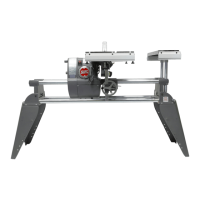
Mark V Model 520 Alignment
Page 2
ADJUST THE CARRIAGE LOCK
3. If the carriage lock handle (187) does not lock
into the horizontal position or the carriage
moves out of position, the lock needs adjust-
ing. To adjust the lock, use a 1/2" socket with
an extension and ratchet handle to tighten or
loosen the nut located at the back of the
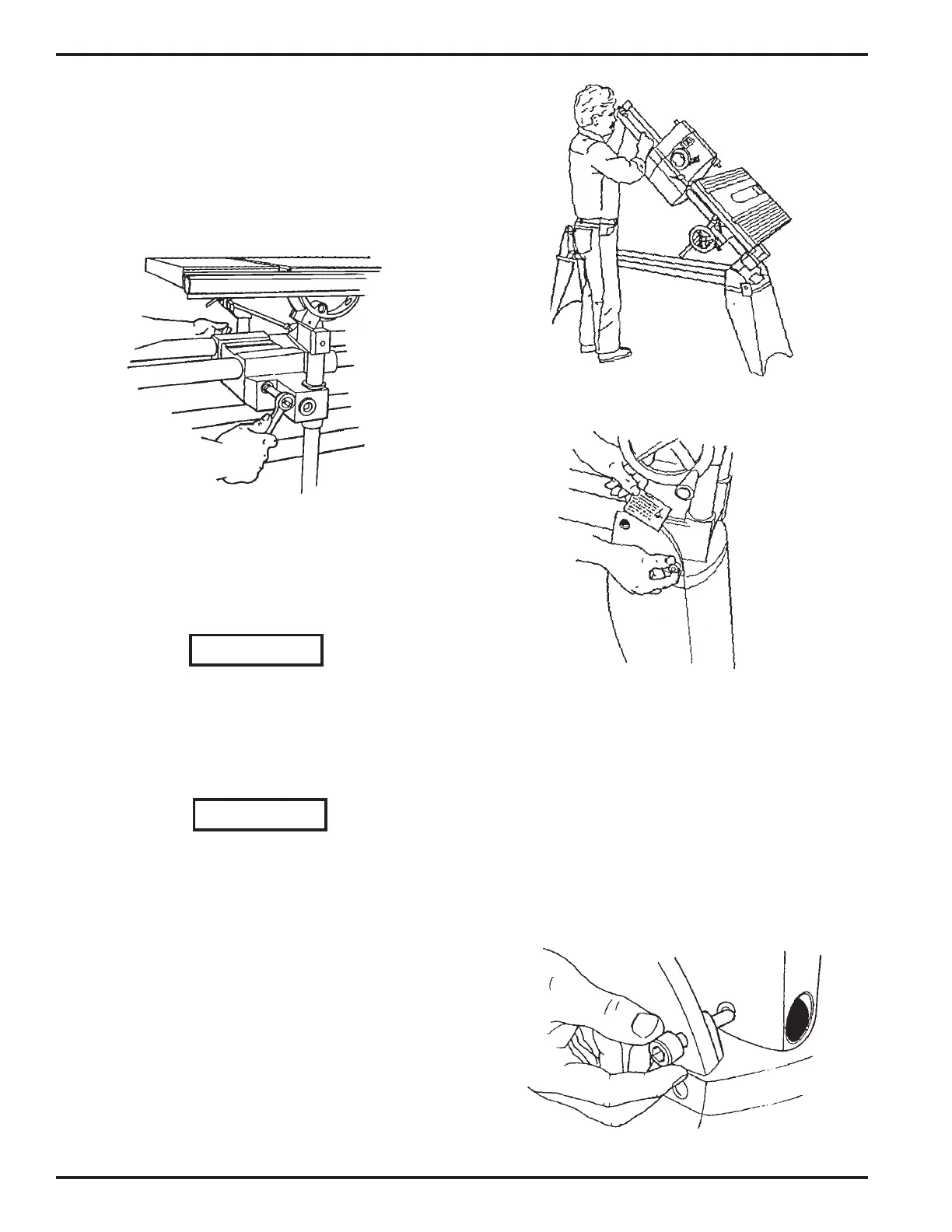
carriage assembly, as shown in Figure B-45.
Figure B-45
4. When the carriage lock handle locks into the
horizontal position and the carriage no longer
moves when the handle is in the horizontal
position, tighten the nut a final 1/4 turn.
WARNING
The carriage lock handle MUST lock into the
horizontal position, otherwise the carriage lock
may vibrate loose.
SET THE WORKTABLE'S 90° LEFT STOP
WARNING
Always make sure the Mark V headstock and
carriage are locked and all casters are raised off
the floor before lifting the Mark V into the vertical
drill press position.
5. Unlock the carriage and headstock. Move the
headstock to the middle of the way tubes.
Then move the carriage between the head-
stock and base mount (right side).
6. Tighten the headstock and carriage locks. Place
the Mark V in the vertical position by loosen-
ing the headrest handle (15), firmly grasping
the way tubes (20) near the headrest end, and
lifting the tubes into the 90° position, as dem-
onstrated in Figure B-46.
Figure B-46
Figure B-47
Figure B-48
7. See Figure B-47. Use your fingers to screw in
the base lock (2). Note the base lock is slightly
off center to the countersink found in the
bench base, as shown in Figure B-48. This
offset allows the base lock to more firmly hold
the base in place.


 To Next Page
 Loading...