to integrate with the SM-1 Satellite Microphone.
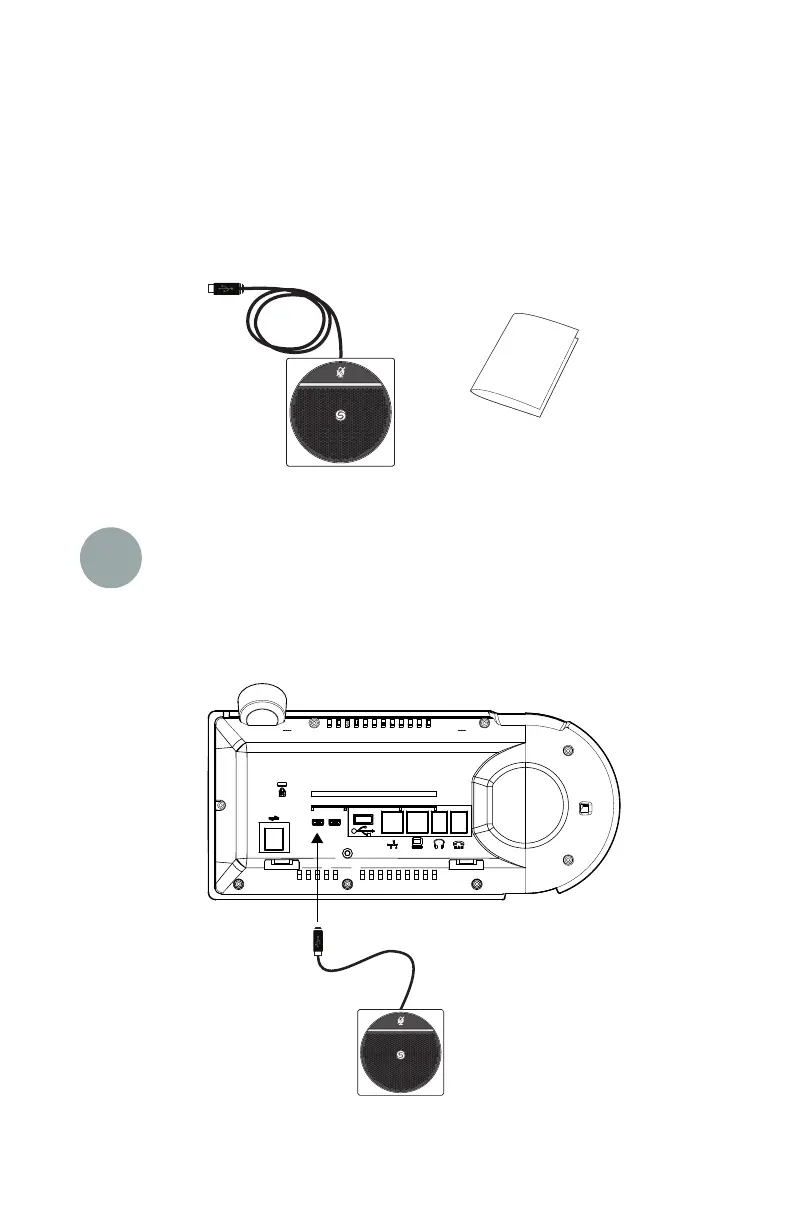
Two (2) each ShoreTel SM-1 Satellite Microphones
Package Contents
Quick Install Guide
1 Attach microphone(s) to base
Connect Satellite Microphone(s) to MicroUSB port(s) on the back of the IP 655
phone. This example shows one (1) Satellite Microphone connection. Either
a
black plug to expose the MicroUSB ports.
Connect to
MicroUSB port
NOTE: Although there is a standard USB port provided, it is NOT enabled at this time.
MicroUSB port may be used. It may be necessary to remove the flexible



 To Next Page