2
Power
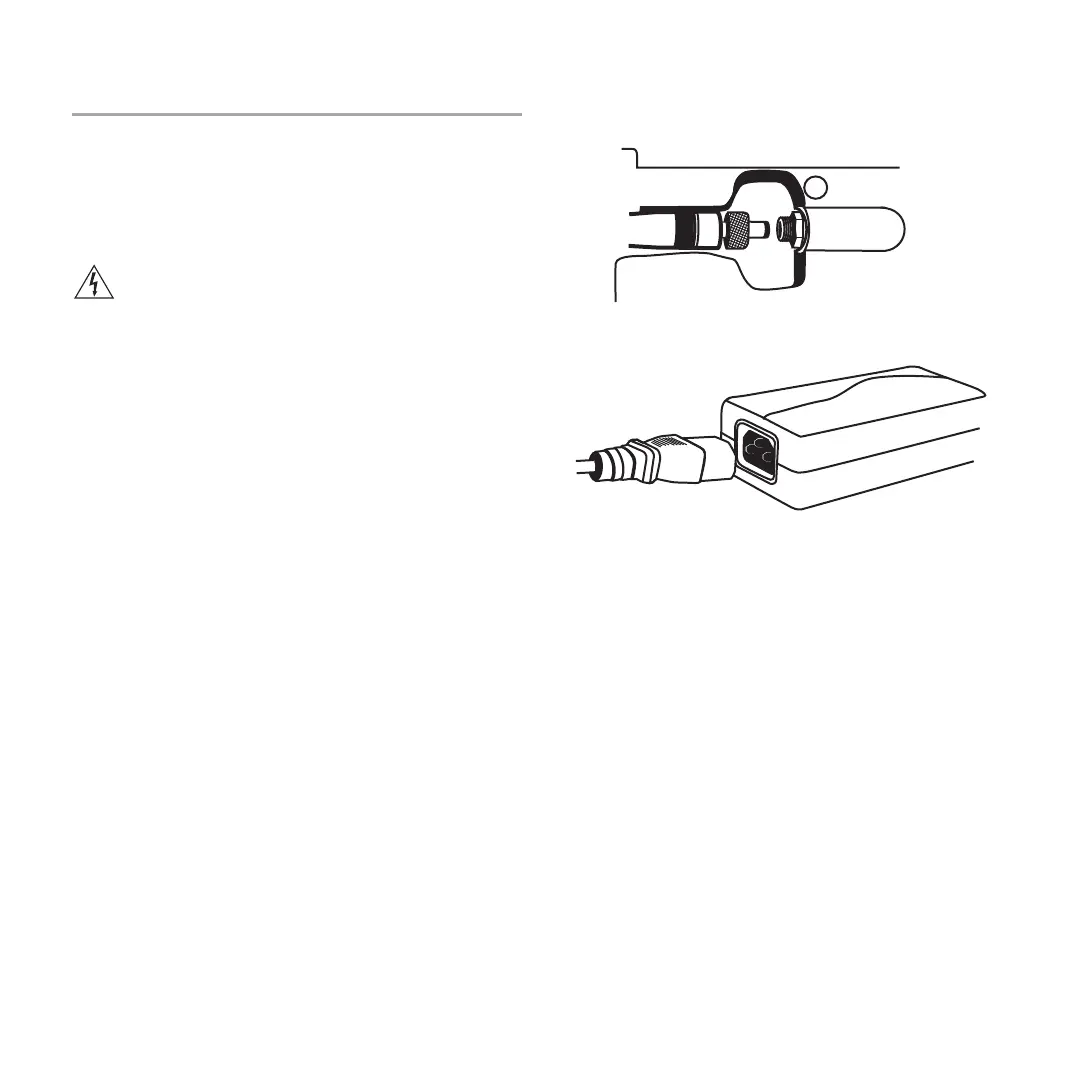
1. Connect DC power cable to input jack on bottom of charger. Finger
tighten lock nut for a secure connection.
2. Route the cable along the desired channel and press into place to
secure.
3. Connect power cable to AC Adapter.
WARNING:
• Do not use pliers or any other tools to tighten lock nut.
DC power cable must be attached before charger unit is
installed.
• Do not plug in power supply unit until DC connection and
charger are in place.
• After securing the charger, plug the power cable into a
properly grounded outlet.
The SBC200 has no power switch. When plugged in, the
charger is ready. The LEDs illuminate after batteries are
inserted.



 To Next Page