ENGLISH
8
OPERATING THE VOCAL ARTIST-UHF SYSTEM
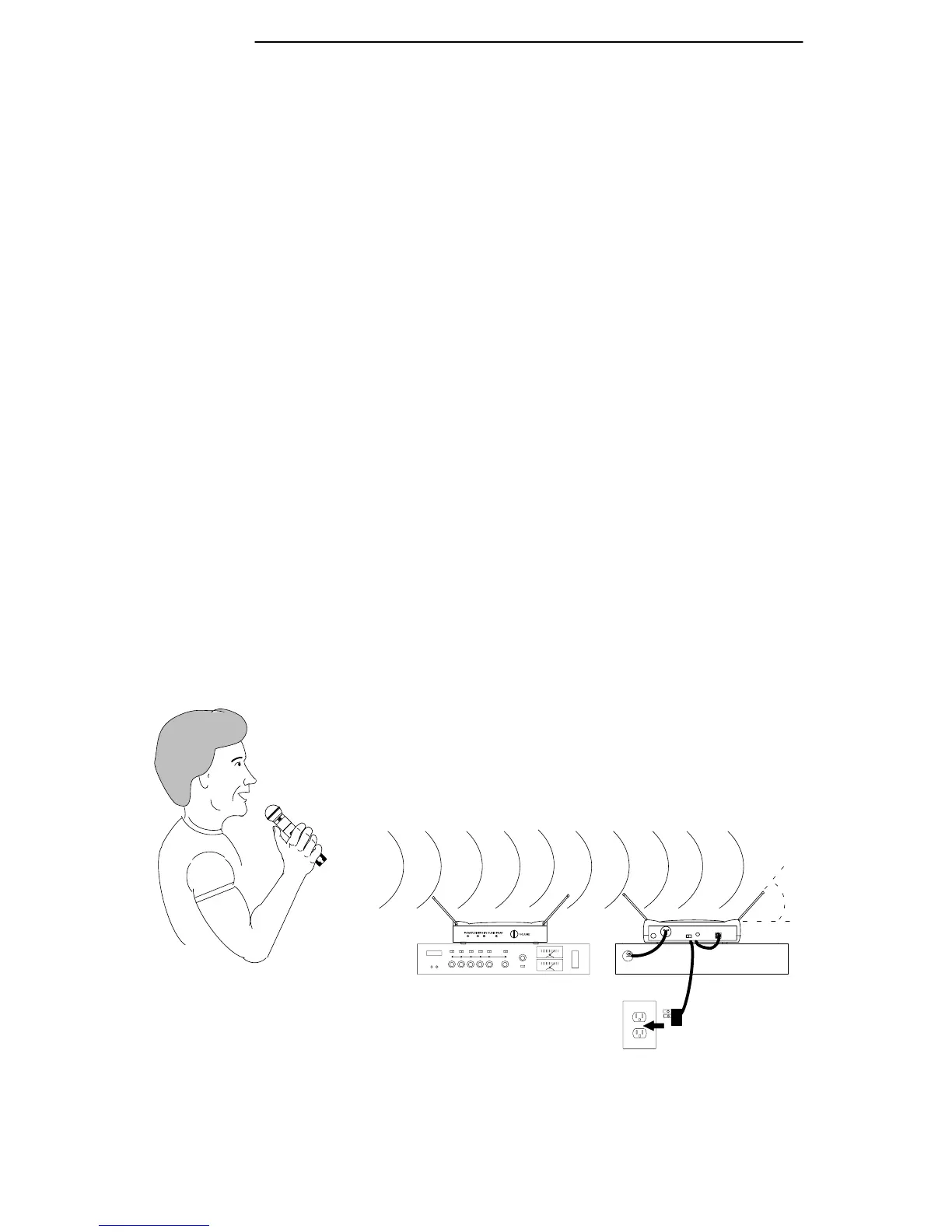
1. Refer to Figure 8. Connect the supplied ac power adapter into the DC INPUT con-
nector in back of the receiver. Insert the adapter’s cable into the power cable retainer.
Plug the adapter into a wall socket or other ac power source (use PS20 for 120 Vac,
60 Hz power; use PS20E for 230 Vac, 50 Hz power). The green POWER light on
the receiver will glow.
2. Connect the receiver’s XLR AUDIO OUTPUT connector to the mixer input using
an XLR to XLR audio cable. If no XLR cable is available, a
1
/
4
” to
1
/
4
” phone plug
cable may be substituted, but this connection will not be balanced. Set the receiver’s
MIC/LINE SWITCH to match the sound system’s input.
3. Slide the transmitter’s POWER/OFF switch to the POWER position. The trans-
mitter’s green POWER ON light and the receiver’s DIVERSITY A/B lights will
glow.
4. Slide the microphone’s ON/MUTE switch to the ON position to turn the micro-
phone on.
5. Talk or sing into the microphone. Normal operation is indicated by:
• Steady glow of the receiver’s yellow DIVERSITY A/B lights.
• Flickering of the receiver’s AUDIO PEAK light when loud sounds are transmitted.
NOTE: If the receiver’s red AUDIO PEAK light does not flicker occasionally or
is constantly on, the transmitter gain may need to be adjusted. Refer to the
Transmitter Audio Gain Adjustment section. Then, If the system is still not op-
erating properly, consult the Troubleshooting table.
6. When the performance is over, turn off the sound system and slide the transmit-
ter’s POWER/OFF switch to the OFF position to conserve battery power.
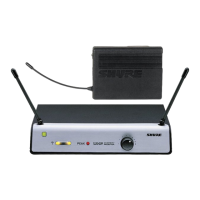
FIGURE 8
UT2
SHURE
UT4
45°
FRONT
BACK


 To Next Page