-23-
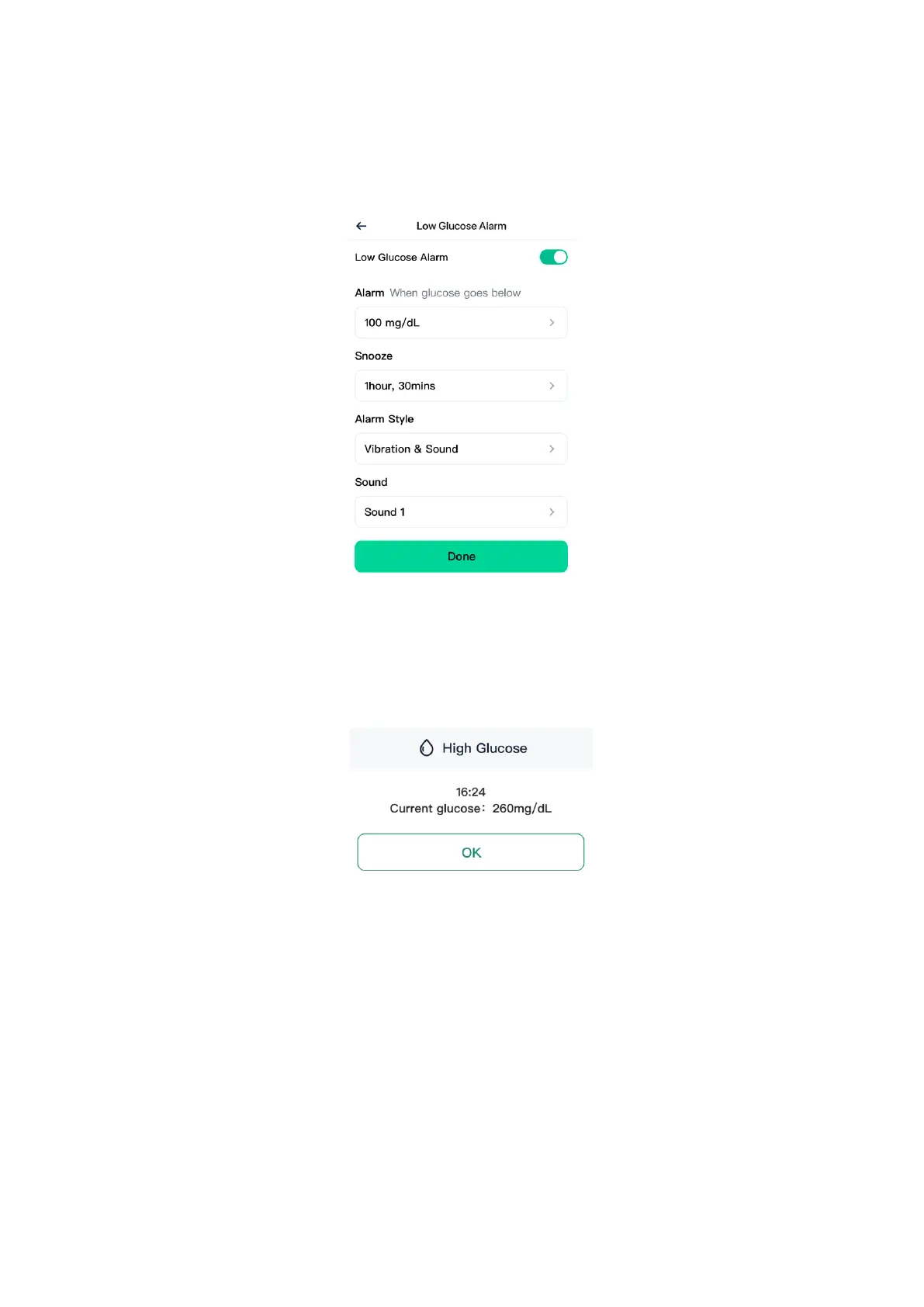
4. Choose either Sound or Vibration & Sound for the alarm style.
5. Choose the sound for this alarm. Volume will match your device
settings.
6. Tap Done to save the settings.
3. High Glucose Alarm:
Tells you when the GS1 reading is at or above the set level. Tap OK to
acknowledge the alarm.
You can customize this alarm:
1. Tap Profile > Alarm Settings > High Glucose Alarm.
2. Set the High Glucose Alarm level between 120 mg/dL and 400 mg/dL.
3. Choose either Sound or Vibration & Sound for the alarm style.
4. Set the Snooze duration for you High Glucose Alarm as you need.
5. Choose the sound for this alarm. Volume will match your device settings.
6. Tap Done to save the settings.


 To Next Page
 Loading...