-24-
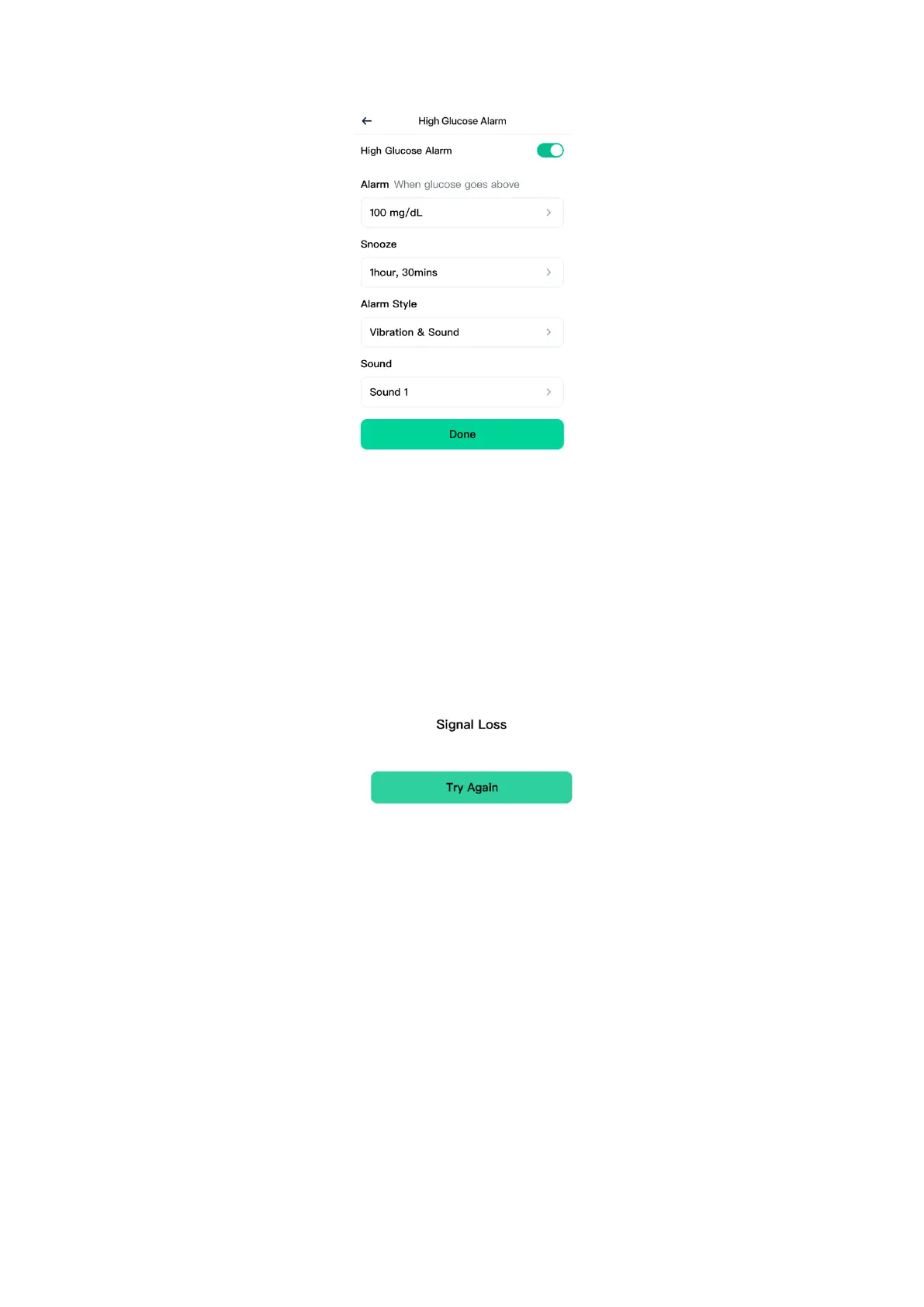
4. Signal Loss Alarm:
Tells you when your Sensor has not communicated with the App
temporarily and you are not receiving glucose readings or Low or High
Glucose Alarms. Tap Try Again to re-communicate with you Sensor. If the
problem continues, contact our Customer Service at support@sibionics.com
You can customize this alarm:
1. Tap Profile > Alarm Settings > Signal Loss Alarm.
2. Set a snooze duration for this alarm to notify you when your Sensor has not
communicated with the App for longer than the specified duration.
3. Choose either Sound or Vibration & Sound for the alarm style.
4. Choose the sound for this alarm. Volume will match your device settings.
5. Tap Done to save the settings.


 To Next Page
 Loading...