-25-
Responding to alarms
When you receive an alarm, please acknowledge it on your display device by tapping
OK on the alarm box.
Until you acknowledge the alarm, the alarm box will persistently display on your App
screen. The sound and/or vibration will repeat when the system triggers the next
alarm. The system analyzes your GS1 readings every 5 minutes.
Notes:
⚫ For Urgent Low Glucose Alarm, the Snooze duration is fixed at 30 minutes and
cannot be adjusted. If the alarm is not acknowledged, it will repeat if your GS1
reading remains at 55 mg/dL or below for this long.
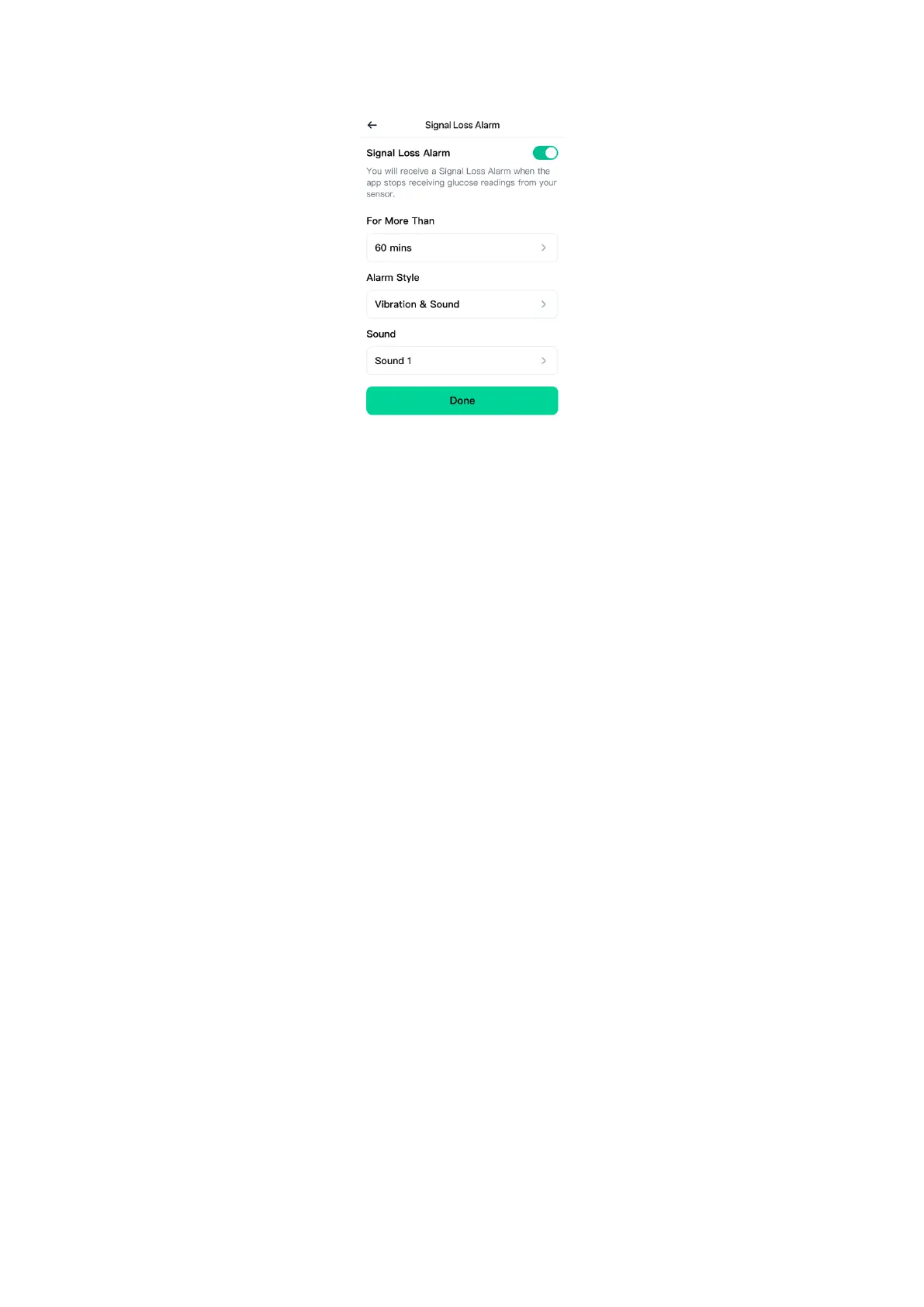
⚫ For Low/High Glucose Alarm and Signal Loss Alarm, you can customize the
Snooze duration, and the alarm will repeat according to your selected duration.
If you are not getting alarms:
Check the following to identify possible causes:
Battery charge too low: If the phone battery is depleted, no GS1 readings or
alarms will be obtained.
App turned off: check App setting to ensure it is turned on to receive GS1
readings or alarms.
Alarms turned off: Keep the alarm function in the App turned on to get alarms.
Volume not working: Keep the volume loud enough to hear the alarms.
Speaker and vibrations not working: you will not hear or feel your alarms,
check if turned off or not functioning.
Out of range: Keep your display device no more than 6 meters (20 feet) from


 To Next Page
 Loading...