-26-
the sensor, with no obstacles between them, to ensure proper communication.
If not in range, no GS1 readings or alarm will be obtained.
System errors: in the event of a system error indicated in the App – such as no
readings, sensor error, or signal loss – no GS1 readings or alarms will be
obtained.
During warm-up and after session ends: no alarms or GS1 readings will be
obtained during the 1-hour warmup or after a sensor session ends.
Glucose Alarm Records
You can view the low and high glucose alarms records by tapping in the upper
right corner of the Monitoring screen. Reviewing and understanding your glucose
history can be an important tool for improving your glucose control. Work with your
professional healthcare team to understand your glucose history.
WARNING
⚫ If high/low glucose alarm do not match symptoms or expectations, use a fingerstick
blood glucose value from a blood glucose meter. Seek medical attention when
appropriate.
⚫ The high/low glucose alarm is not applicable in case of pregnancy, dialysis, or
critical illness. The high/low alarm levels in this clinical study are the
recommended values for type I and type II diabetes patients, excluding the
aforementioned populations.
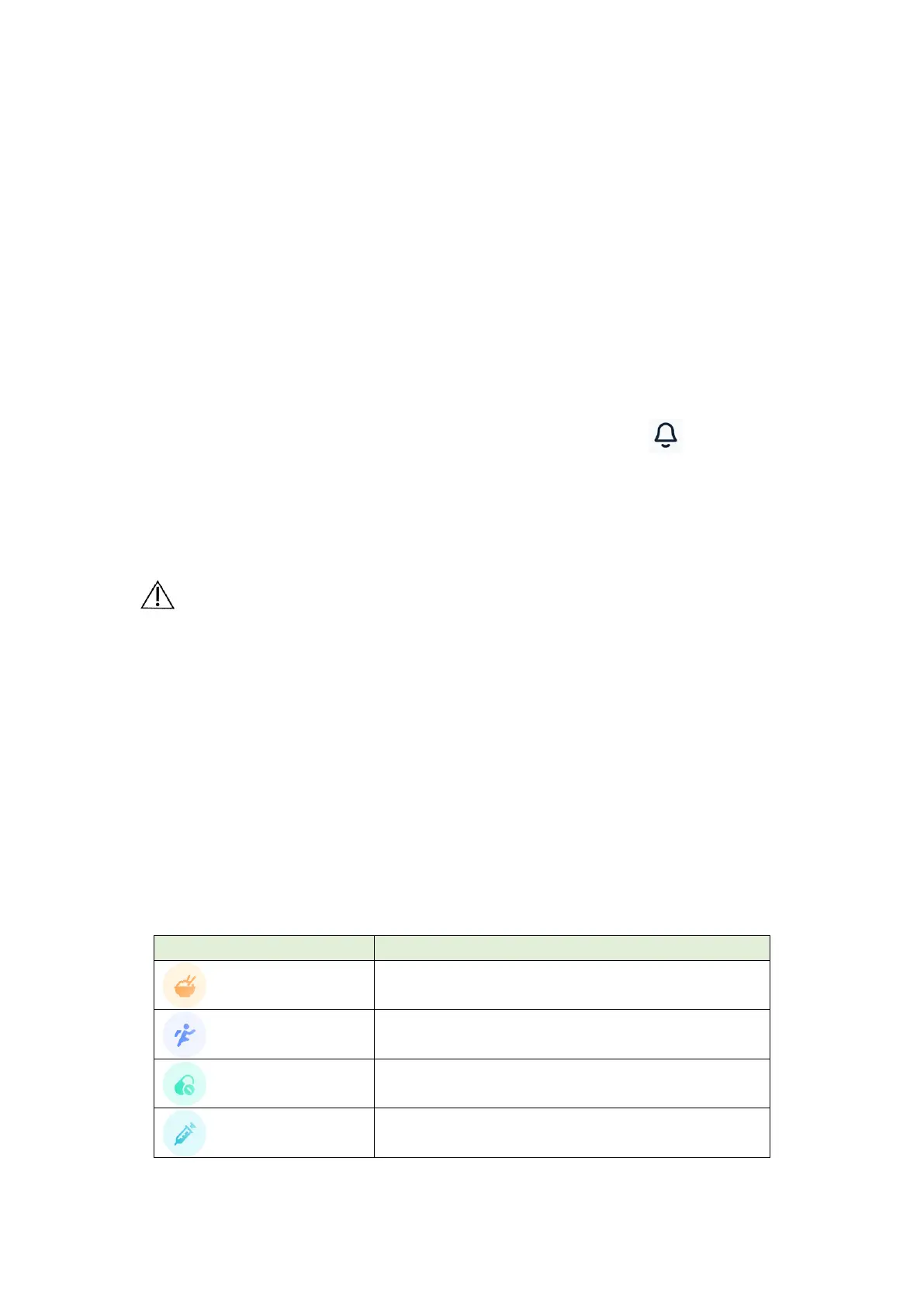
Event Record
Record helps capturing information that may affect the glucose levels. The event feature
on the App can be used to enter and save certain types of events.


 To Next Page
 Loading...