EasyManua.ls Logo

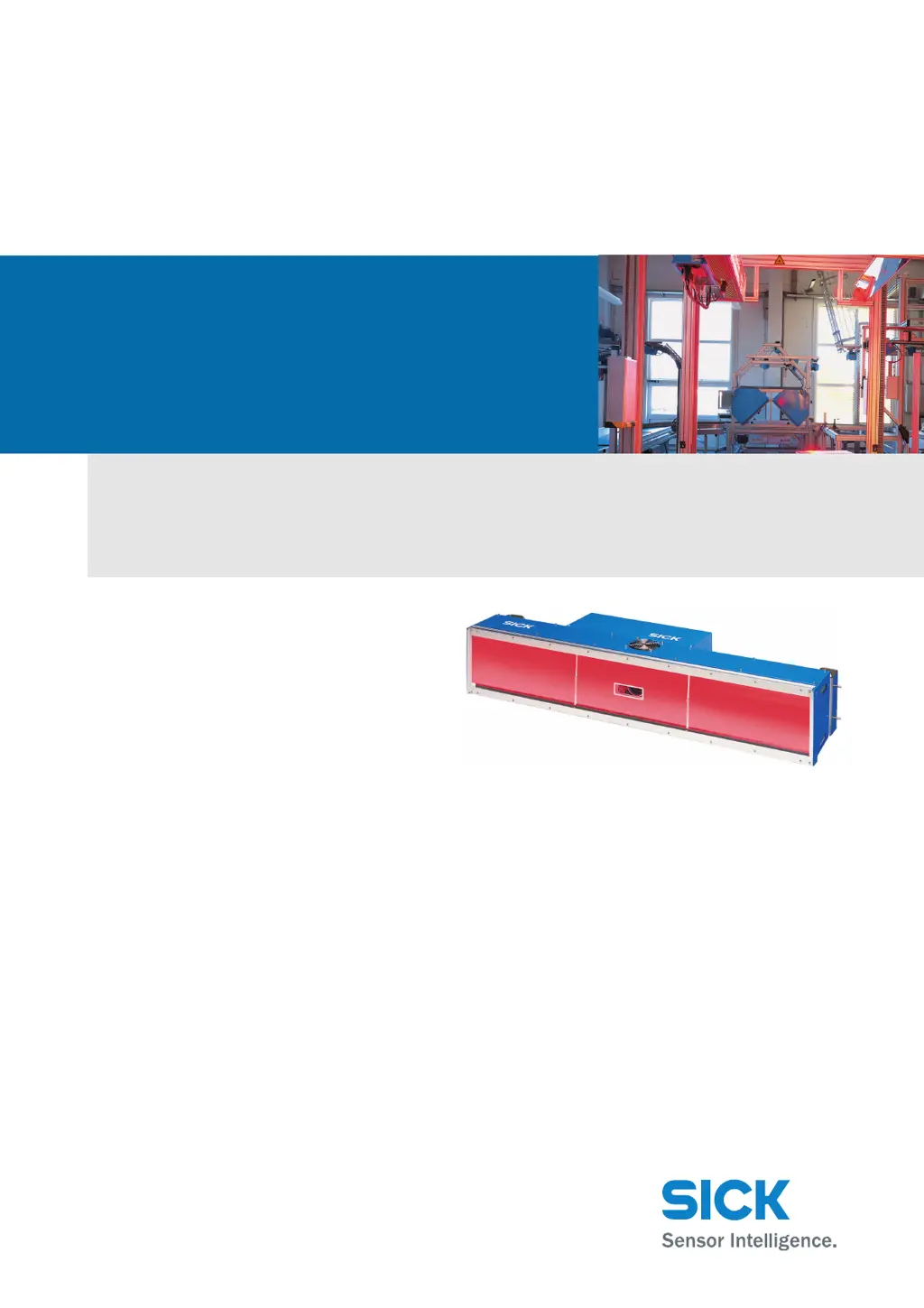
SICK ICR880 - User Manual

SICK ICR880
30 pages
Print Icon
To Next Page IconTo Next Page
Loading...
OPERATING INSTRUCTIONS
ICR880/890
Camera Systems
Camera Systems for Reading 1D/2D Codes with Superb Image
Quality suitable for OCR and Video Coding Applications

Questions and Answers

  • C
    Christopher WebbAug 12, 2025
    Why does my SICK ICR880 show a configuration error?
    • A
      Austin PopeAug 12, 2025
      If you are facing a configuration error with your SICK Security Camera, it might be that functions have not been adjusted to the local conditions, for example, parameters for the main data interface set incorrectly.
  • A
    Anthony BarnesAug 20, 2025
    Why is my SICK ICR880 Security Camera malfunctioning during start/stop operation?
    • F
      Faith MooreAug 20, 2025
      If your SICK Security Camera experiences malfunctions during start/stop operation, it could be that the external reading pulse is missing or there is more than one object in the reading area.
  • J
    Jeremy WilsonAug 27, 2025
    How to troubleshoot electrical installation error on SICK Security Camera?
    • M
      Michael BryantAug 27, 2025
      If you are experiencing an electrical installation error with your SICK Security Camera, check that the interfaces of the ICR890 System are wired correctly.
  • A
    Amy AriasSep 3, 2025
    What causes installation errors in SICK Security Camera?
    • A
      Angela MoralesSep 4, 2025
      If you are having an installation error with your SICK Security Camera, it might be that the incremental encoder (optional) is positioned incorrectly.

SICK ICR880 Specifications

General IconGeneral
Resolution1280 x 1024 pixels
IP RatingIP65
InterfacesRS-232
Light sourceLED
Supply voltage24 V DC
Sensor TypeCMOS

Related product manuals