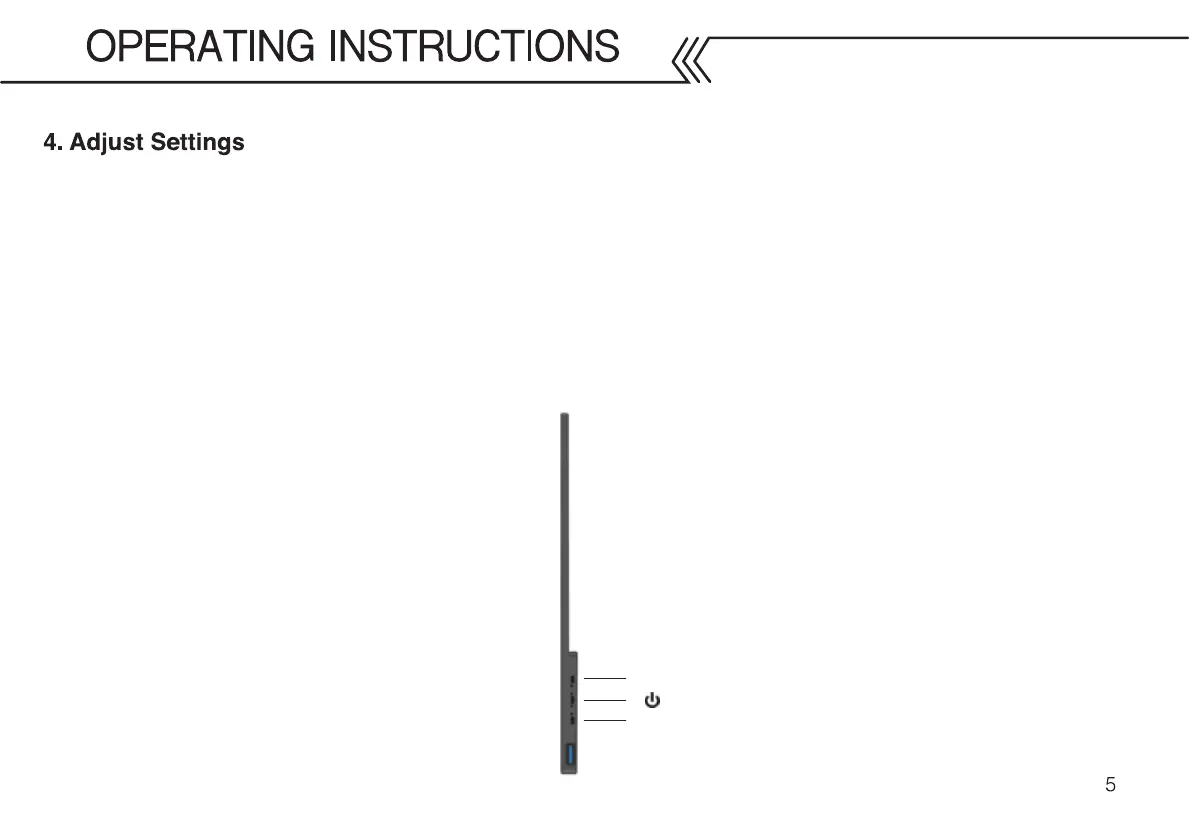
You can adjust the volume and back-light without bringing up the main menu by pressing the “+” and “-” buttons
to adjust volume. Press and hold “+” and “-” buttons to adjust the back-light.
To bring up the main menu press the power button once. When inside the menu use the “+” and “-” buttons to
highlight the desired option, and press the power button once to select the highlighted option. Once the option is
highlighted, use “+” and “-” buttons to adjust the values. Press and hold “-” button to return to the previous menu.
+
_
To prevent any damage to the monitor, please turn off and unplug the monitor when left unattended for long periods of time.



 To Next Page