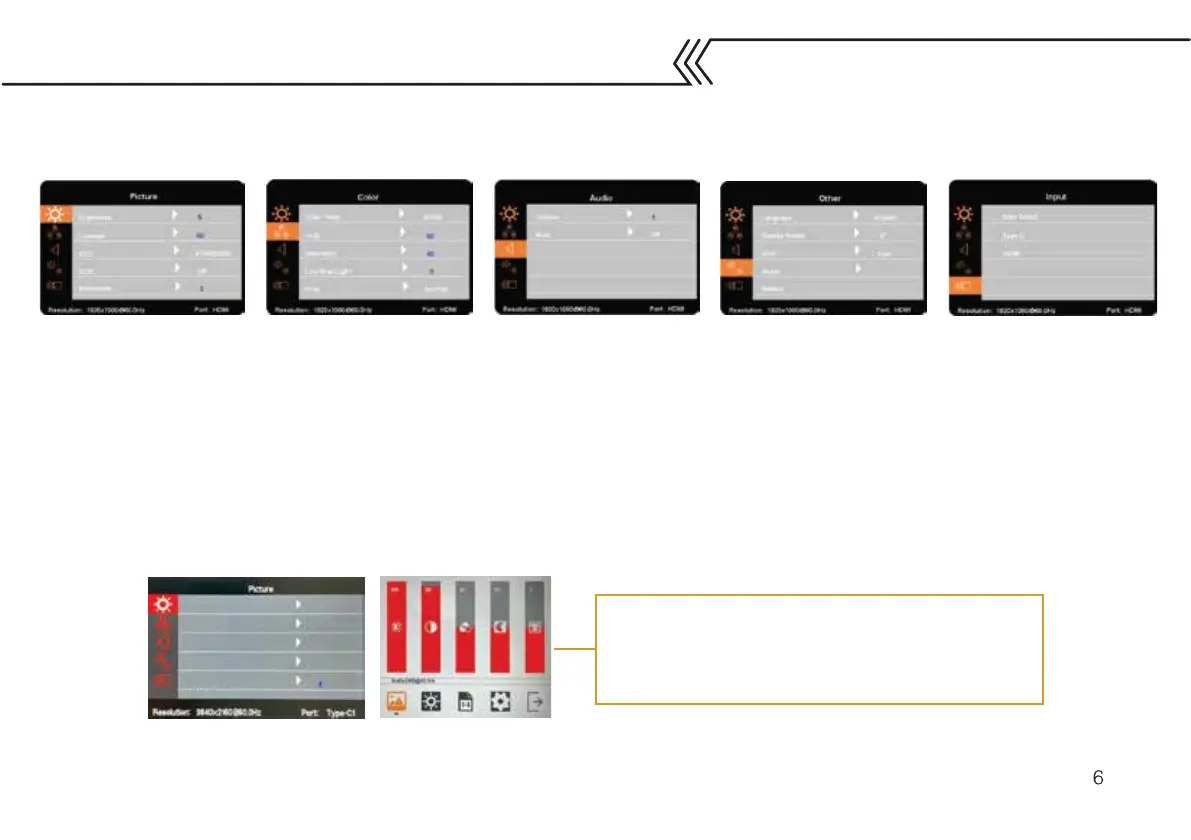
Brightness: Adjust from 0-10
Contrast: Adjust between 1-100
Eco: Choose between Standard,
game, movie, photo, and vivid
DCR (Dynamic Contrast): turn
on or off
Sharpness: Adjust between 0-4
Color temp: Change between
9300K, 6500K, and SRGB
Hue & Saturation: Adjust
between 0-100
Low blue light: Adjust
between 0-10
PCM: Change between
Native, SRGB, and ADOBE
Volume: Adjust between 0-10
Mute: Turn sound on or off
Language: Change language
Display rotate: Change screen
between landscape and portrait
HDR (High Dynamic Range):
Change between off, auto, 2084.
Reset: Reset all settings
Battery: See battery power
Change input between auto,
type-c, and HDMI
Menu settings are the same for both touch and
non-touch monitors. However, the menus look
different on each model. This is what the menu
for the touchscreen model will look like.
MENU SETTINGS
Brightness
Contrast
ECO
DCR
Sharpness



 To Next Page