Operating the appliance en
29
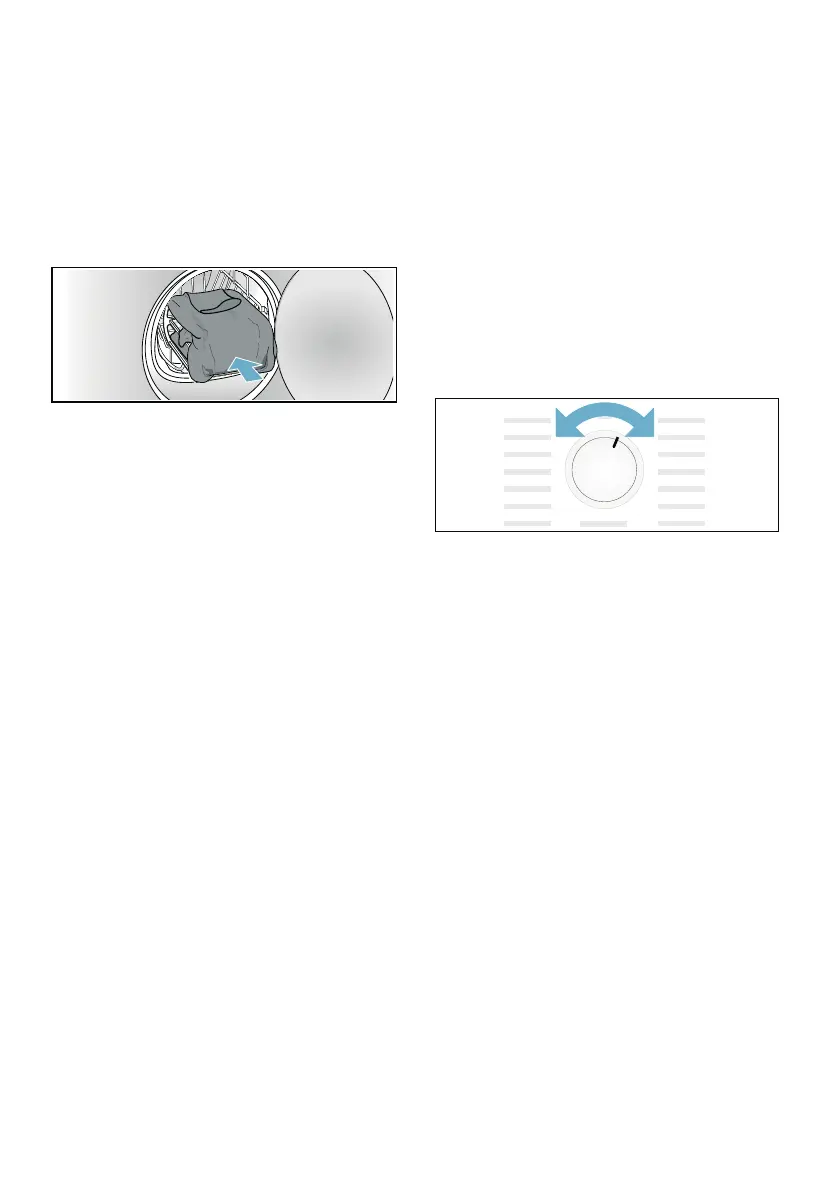
4. Place the insert or the sports shoes
in the basket for woollens.
Caution!
Risk of material damage to the
fabrics.
Place the fabrics in the insert of the
basket for woollens so that they do
not come into contact with the drum.
5. Use the program selector to select
the program for the basket for
woollens or a time program.
6. Set the drying time.
Thin woollen pullover:
Approx. 1:20 hrs
Thick woollen pullover:
Approx. 1:30 hrs - 3:00 hrs
Skirt: Approx. 1:00 hr - 1:30 hrs
Trousers: Approx. 1:00 hrs - 1:30 hrs
Gloves: Approx. 30 min
Sports shoes:
Approx. 1:30 hrs/
with airing max. 2:00 hrs
Note: For thicker or multi-layered
fabrics, you must extend the drying
time, as required, to achieve the
required level of dryness.
7. Start the program.
8. Remove the fabrics and switch off
the dryer.
Setting a program
Note: If you have activated the
childproof lock, you must deactivate it
before you can set a program, see
~ Page 26.
1. Select the required program;
detailed information on the programs
can be found from ~ Page 24
onwards.
2. Use the program selector to set the
required program. The default
program settings for the selected
program appear in the display panel.
Note: Default program settings are
standard settings that are already
defined when a program is selected.
After selecting a program, you can
see the default program settings in
the display panel.
3. If required, adjust the default
program settings. You can find
detailed information on this from
~ Page 24 onwards.
Starting the program
Press the Start button.
Note: If you want to lock the program
to prevent it from being inadvertently
adjusted, you can select the childproof
lock, see ~ Page 26.



 To Next Page