ENGLISH
Thank you very much for purchasing a Sigma Lens.
In
order to get the maximum
performance and enjoyment out of your Sigma lens, please read this instruction
booklet thoroughly before you start to use the lens.
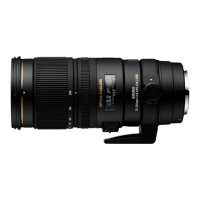
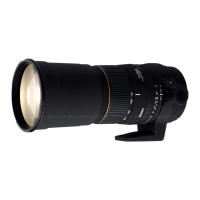
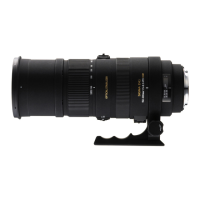
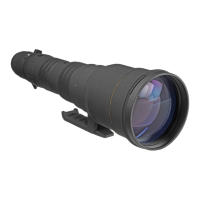
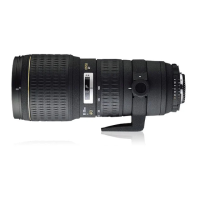
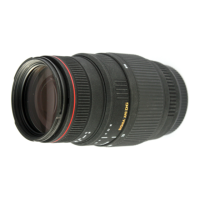
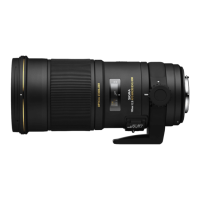
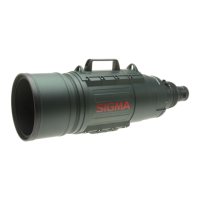
DESCRIPTION OF THE PARTS (fig.1)
CD
Filter Attachment Thread
(2)
Focus Ring
@Distance Scale
@Focus
Index Line
@Zoom
Ring
® Focus Mode Switch
(!)Mount
®Tripod
Socket
NIKON AF TYPE CAMERAS
@OS
Switch
@Lens
Hood
@ APS-C Hood Adapter
This lens functions
in
the same way as a G Type auto-focus Nikon lens (without
an
aperture ring). Functions may
be
restricted depending
on
the lens/camera
combination. For more details, please refer to the camera's instruction manual.
PENT AX AF TYPE CAMERAS
This Lens functions same as a
FAJ
Type (type without Aperture) auto-focus Pentax
lens. Depending
on
the combination with camera some restrictions with its functions
may
result. For more details, please refer
to
instruction manual of the camera
in
use
etc.
ATTACHING TO CAMERA BODY
When this lens
is
attached to the camera body it will automatically function
in
the
same way as the camera manufacturer's lens. Please refer to the instruction booklet
for your camera
body.
+On
the lens mount surface, there are a number of couplers and electrical contacts.
Please keep them clean to ensure proper connection. While changing the lens,
be
sure
to
place
it
front end down to avoid damaging the rear mount.
SETTING THE EXPOSURE MODE
The Sigma lens functions automatically once attached
to
the camera. Please refer
to the camera instruction book.
FOCUSING AND ZOOMING
This lens features Sigma's built-in Hyper Sonic Motor (HSM). The HSM enables
quick and quiet autofocusing.
((SIGMA AF and
CANON
AF))
For autofocus operation, set the focus mode switch
on
the lens to the
"AF"
position
(fig.2). If you wish to focus manually, set the focus mode switch
on
the lens to the
"M"
position.
You
can adjust the focus by turning the focus ring.
((NIKON
AF,
PENTAX
AF,
and
SONY))
For autofocus operation, set the camera to AF mode and set the focus mode switch
on
the lens
to
the
"AF"
position (fig.2). If you wish
to
focus manually, set the focus
mode switch
on
the lens to the
"M"
position.
You
can adjust the focus by turning the
focus ring.
+Please
refer
to
camera's instruction manual for details
on
changing the camera's
focusing mode.
+For
Nikon, Pentax and Sony mounts, it
is
only possible to use AF with camera
bodies which support motors driven by ultrasonic waves such as HSM. AF will
not function if the camera body does not support this type of motor.
+This
lens also permits manual focusing even
in
the autofocus mode. With the
camera set
to
the One-Shot AF (AF-S) mode, it is possible to manually override
the autofocus while the shutter release button
is
pressed halfway.
+When
operating this lens
in
manual focus mode,
it
is
recommended that correct
focus
be
confirmed visually
in
the viewfinder rather than relying
on
the distance
scale. This
is
due to possible focus shift resulting from extreme changes
in
temperature which cause various components
in
the lens
to
expand and contract.
Special allowance
is
made for this at the infinity setting.
\\Zooming))
Rotate the Rubber grip
on
the zoom ring
to
the desired position.



 To Next Page