AFTER SALES SUPPORT
1300 777 137
service@unclebills.com.au
MODEL: EA1388 PRODUCT CODE: 63818 12/2018
11
Before First Use
Prior to using your Turntable Briefcase, please read all safety and operating instructions thoroughly.
Please ensure you follow the steps below before using this device. We recommend you keep the
original packaging for storing your Turntable Briefcase when not in use.
Removing the Turntable Protective Packaging
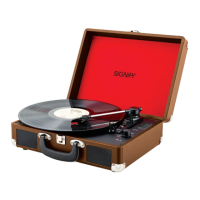
1. Unlock the lock latch in front of the briefcase, and lift the dust cover to reveal the turntable.
2. Peel off the protective tape, and remove the square polystyrene spindle protector.
3. Remove the cable tie from the tone arm.
4. Remove the protective cover from the stylus cartridge.
Power Input
Once all packaging has been removed, insert the power adaptor into a power socket and connect the
other end to the DC power input (rear panel of the unit) and switch the power input on.
Getting Started


 To Next Page