11
3. From the Insert Disk window, click OK.
When the Copying Files dialog box appears,
type in D:\9x, then click OK. (Change D: to
match your CD/DVD-ROM drive letter)
4. Repeat steps 1-4.
5. Restart Windows to complete the
installation.
To Verify ME / 98SE / 98 / 95 Installation
1. From the desktop, right click My Computer,
click Properties, then click Device
Manager.
2. Double click Ports (COM & LPT),
CyberSerial PCI 16Cxxx... should be
displayed two times.
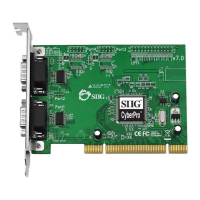
3. Double click Multi-function adapters, SIIG
CyberPro 2S PCI board and PCI Function
should be displayed.
Changing COM Port Address
Some serial devices need a specific COM port in
order to work. If your serial device works properly,
do not change this setting.


 To Next Page