What to do if my Silent Gliss Timer doesn't respond when I press a button?
- DDr. Amanda Jenkins PhDAug 3, 2025
If your Silent Gliss Timer isn't responding, the screen might be locked. To unlock it, press the function button for 3 seconds.
What to do if my Silent Gliss Timer doesn't respond when I press a button?
If your Silent Gliss Timer isn't responding, the screen might be locked. To unlock it, press the function button for 3 seconds.
Why is the remote sensitivity poor on my Silent Gliss Timer?
Poor remote sensitivity on your Silent Gliss Timer might be due to metal objects near the installation. Try changing the installation position.
How to fix a Silent Gliss Timer display that is incomplete or unclear?
If the Silent Gliss Timer display is incomplete or unclear, check the power display. You may need to change the battery and reset the time and day. Note that the time points are stored permanently.
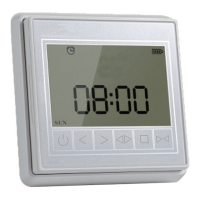
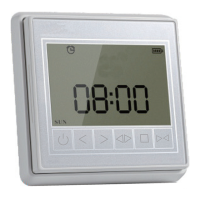
Explains the user interface elements and their corresponding functions on the timer.
Details the components and layout of the back panel of the timer unit.
Instructions for mounting the timer unit using adhesive tape on glass or smooth tiles.
Procedure for standard wall mounting, including drilling and fixing the magnetic holder.
Guide on how to power on and activate the timer unit for the first time.
Steps to initiate the programming or addressing sequence from the motor side.
Steps to complete the programming or addressing sequence from the timer unit side.
Example procedure for setting the second programmed time point (Time Point B).
Instructions to set the specific hour and minute for a programmed timer event.
Configures the action for the timer point, specifying open or close operation.
Specifies the active days of the week for the programmed timer event.
Procedure to save all programmed timer settings and exit the configuration mode.
| Brand | Silent Gliss |
|---|---|
| Model | 11092 |
| Category | Timer |
| Language | English |