EasyManua.ls Logo

Silent Gliss SG 11429 - User Manual

Silent Gliss SG 11429
12 pages
Print Icon
To Next Page IconTo Next Page
Loading...
Installation and User Manual
March 2020
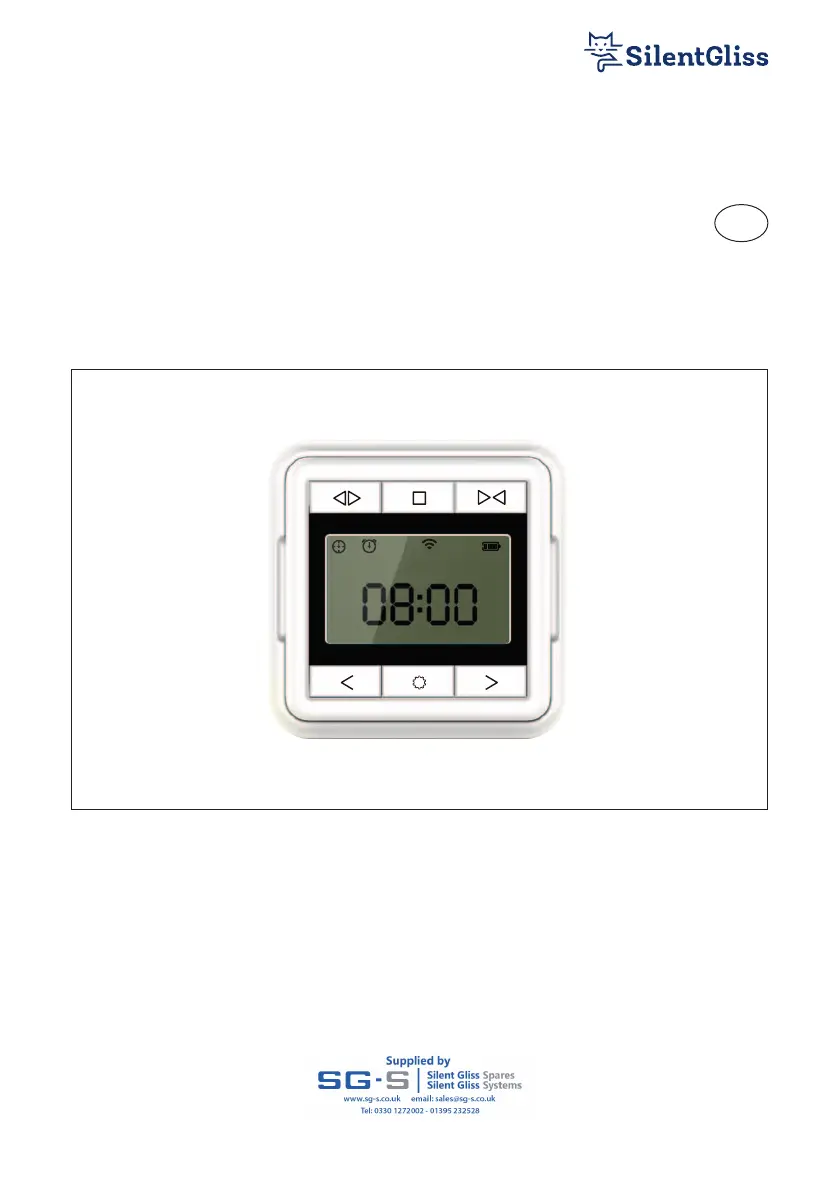
Single Channel Timer Remote
SG 11429
EN
Page 1 of 12
EN

Questions and Answers

  • W
    William FloresAug 11, 2025
    What to do if Silent Gliss SG 11429 Remote Control not responding?
    • C
      Chelsea KnightAug 11, 2025
      If your Silent Gliss Remote Control isn't responding when you press the buttons and the screen is frozen, try removing the battery and then replacing it.
  • M
    Melissa HuntAug 21, 2025
    Why is my Silent Gliss SG 11429 Remote Control sensitivity so poor?
    • J
      James JohnsonAug 21, 2025
      If you're experiencing poor remote sensitivity with your Silent Gliss Remote Control, it might be due to metal obstructions affecting the signal. Try re-positioning the unit to avoid these obstructions.
  • T
    tanner74Sep 1, 2025
    How to fix incomplete screen on Silent Gliss Remote Control?
    • M
      Michelle MooreSep 1, 2025
      If the screen on your Silent Gliss Remote Control is incomplete and not clear, it's likely due to a low battery. Replacing the battery should resolve this issue.

Silent Gliss SG 11429 Specifications

General IconGeneral
BrandSilent Gliss
ModelSG 11429
CategoryRemote Control
LanguageEnglish