10
Attaching the Ventura Plus
Car Seat
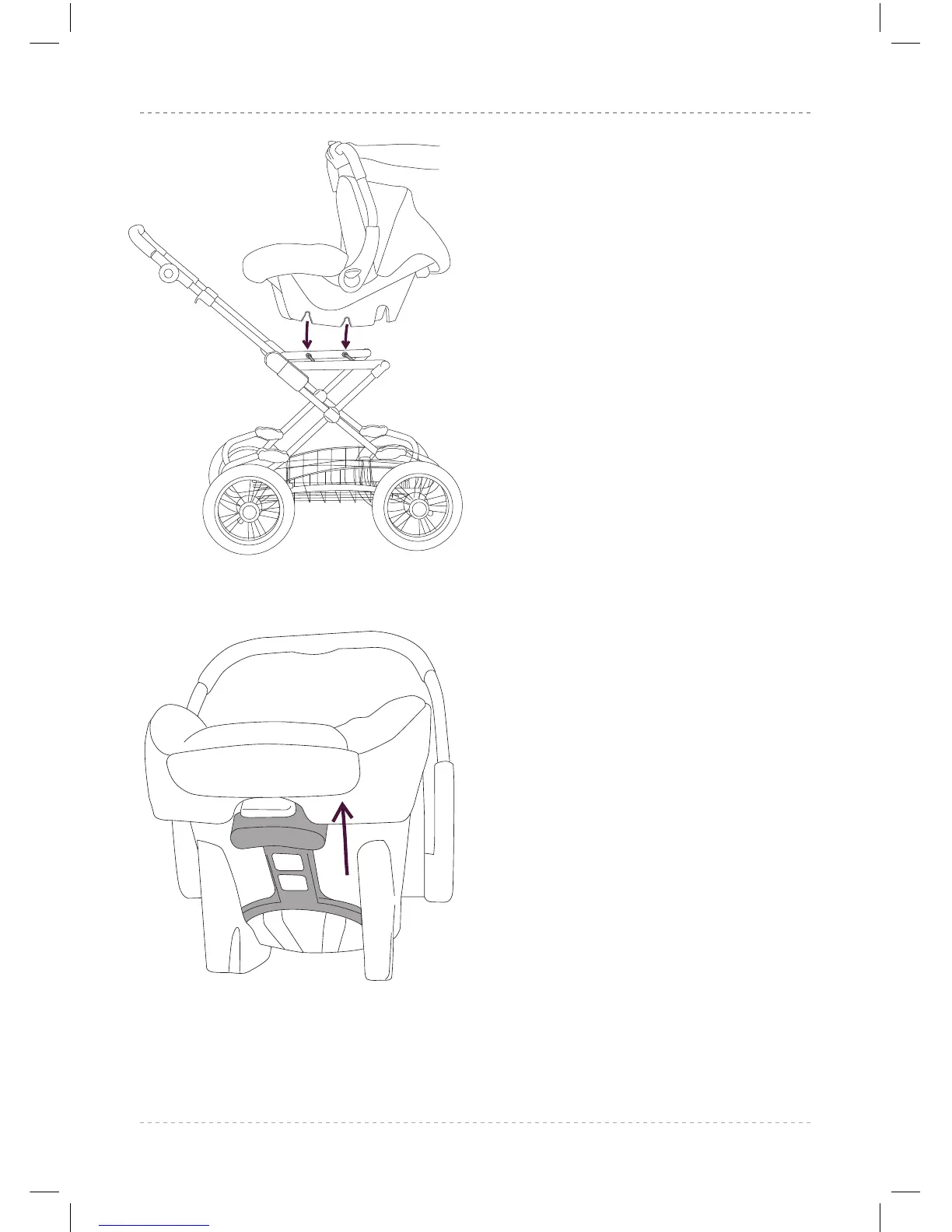
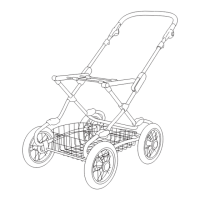
6.1 To attach your Ventura Plus car seat to
the Chassis, hold the car seat centrally
over the chassis mounting bars. On the
underneath of the Ventura Plus are four
locking points, lower the car seat onto
the chassis mounting bars so that these
locate and ‘click’. Gently lift the car seat
to ensure it is fully locked on to the
chassis.
6.2 To disengage the Ventura Plus, there is
a release handle on the rear of the car
seat, pull this upwards whilst holding the
car seat by the handle. You can now lift
the Ventura Plus off the chassis.
6.1
6.2


 To Next Page