- 8 -
Note:
• The teletext function is only available in the European TV
mode and your TV device must have a teletext module.
• In addition the P +/- buttons u control the following
teletext functions:
P +
Leaf one page forward
P — Leaf one page backwards
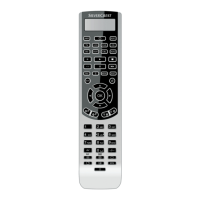
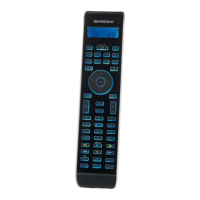
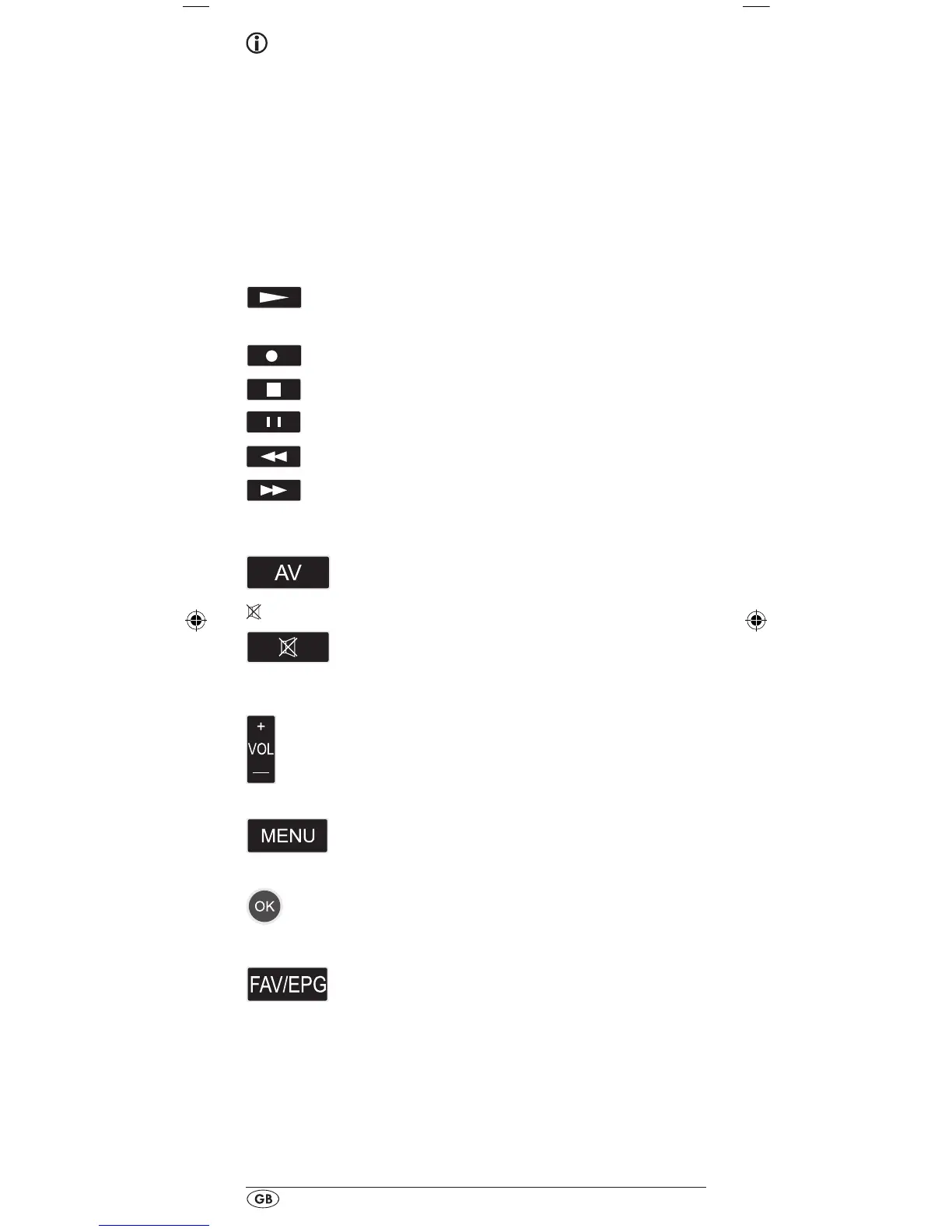
Record/playback buttons f
The playback buttons f control devices such as DVD/CD
players and video recorders:
Start playback
ASPECT Image format switching with TV operation.
Record
Stop Playback/Record/Wind
Pause playback
Rewind
Wind forward
AV button g
Switch to the AV input.
Mute switching h
Switch sound on/o.
VOL+/— buttons j
Set volume (Volume).
MENU button k
Access the menu of the controlled device.
OK button l
You can conrm a menu selection with the OK
button.
FAV/EPG button 1(
Press the FAV/EPG button to access your
previously programmed favourite station.
To access the electronic programme guide
of the target device first press briefly the
S button r and then the FAV/EPG button.


 To Next Page
 Loading...