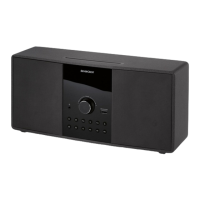
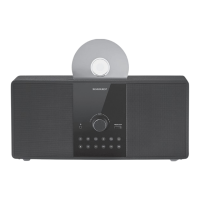
SilverCrest Stereo Hi-Fi System CM-3500
26 - English
Using the iPod Menus
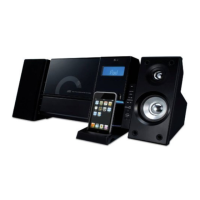
If an iPod has been inserted into the docking station, it can be controlled via
the device buttons only. Besides the playback functions you can also control
the iPod menus from the device buttons.
Press the MENU/FOLDER /PS + button (46) or the MENU/FOLDER/PS -
button (35) to navigate the iPod menus.
Press
SELECT/REPEAT (41) to confirm a menu selection.
Press the STOPP/MENU (5) on the device or the STOPP/MENU (45)
button on the remote control to return one level up.
Advanced Functions
Connecting Headphones
Insert the 3.5mm jack-type headphones plug into the headphones receptacle
(14) of your Micro Stereo Hifi system. The Stereo Hifi system’s speakers will
be muted automatically and the sound can be heard over the headphones
only.
Exercise caution when using headphones. Listening at a high
volume can damage your hearing.
If your headphones feature a different plug, use a suitable
adapter.


 To Next Page