59 GB/MT
The maximum range of the connection is approx.
10 m, but may be reduced to the geometry of the
space (obstructing furniture, walls, etc.).
The playback device must support Bluetooth
®
standard 3.0. Otherwise you may not be able to
use all the functions listed below.
Functions of the buttons on the
Bluetooth
®
speaker
Start a playlist on your playback device. Set the
volume on the playback device to Maximum. The
volume on the Bluetooth
®
speaker can be adjusted as
described below. Music is played back through the
speakers
1
.
The Bluetooth
®
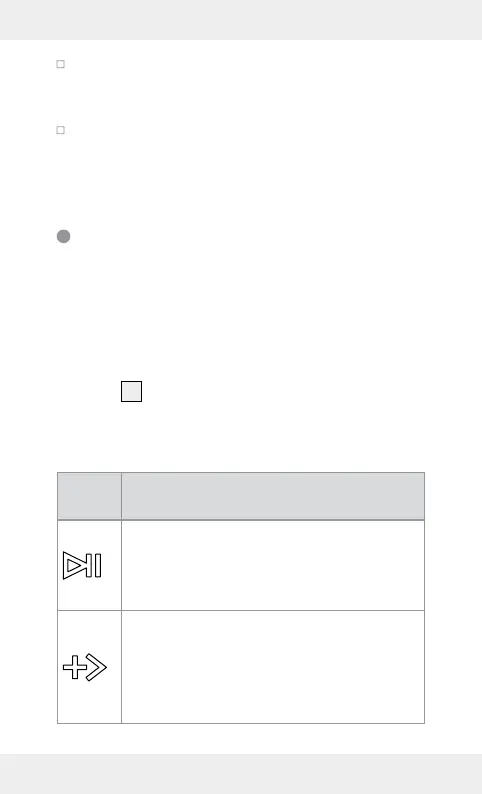
speaker has 3 buttons. These control
the following functions:
But-
ton
Function
- Hold approx. 2 seconds: switch device
on or off
- Press briefly during playback: pause or
continue playing
- Press briefly during playback: skip to next
song in the playlist
- Hold during playback: increase volume.
Two beeps will sound when the maximum
volume level has been reached



 To Next Page