1
English
1 Preliminary remarks
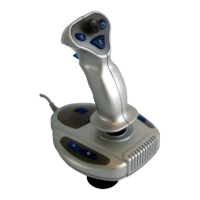
Thank you for deciding to purchase our USB joystick JS-101 USB.
This is a device for IT equipment. It may only be used for private and not
industrial or commercial purposes. This product is not intended for use in
medical, life-saving or life-sustaining applications. Only connection cables which
correspond to this device in terms of safety, electromagnetic compatibility and
shielding quality and such external devices may be used in conjunction with the
unit. This device fulfils all relevant standards and guidelines with respect to CE
conformity. If the device is altered without the agreement of the manufacturer,
compliance with these standards and guidelines is no longer guaranteed. Use
only the accessories specified by the manufacturer. If you do not use the device
within the Federal Republic of Germany, you must observe the regional
regulations or laws of the country of use.
In order for you to utilise this device and all its options, we recommend that you
read the corresponding instructions in this manual thoroughly before using the
device for the first time, even if you are familiar with handling electronic devices.
Please pay particular attention to the chapter “Important safety information“ on
page 4. Store this manual in a safe location for future reference. If you sell or
transfer this device, please be sure to pass along thes
e instructions as well.
2 Copyright
The contents of this manual may not be reproduced, copied or otherwise
duplicated in electronic, mechanical, magnetic, optical, chemical, manual, or any
other form without the permission of our company, nor may it be stored in a
search engine or translated into another language.


 To Next Page
 General