Setting up and connecting
13
KH 2610
GB
Insert the supplied programme and driver CD into your computer's
CD drive.
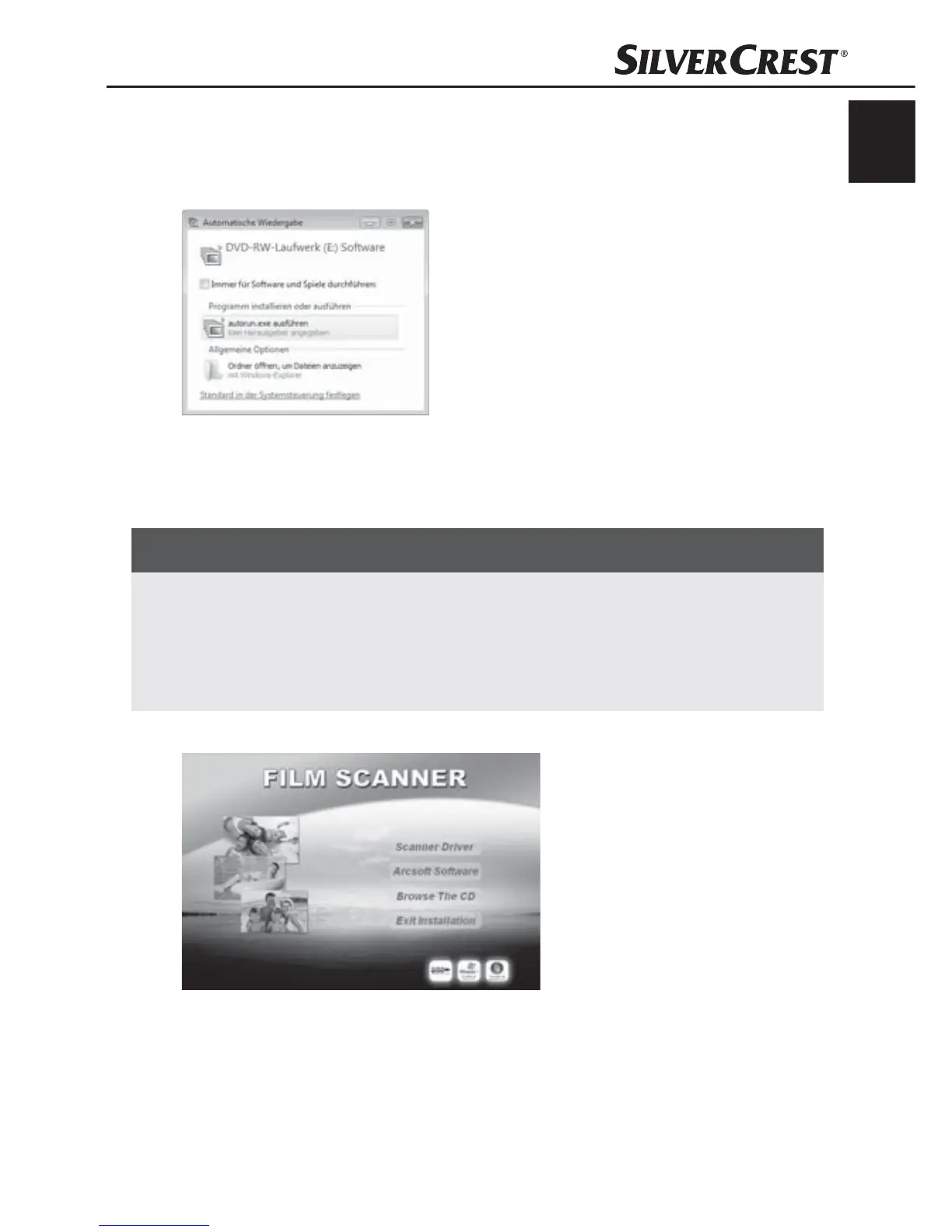
The window "Automatic playback" will be displayed.
Click on the button "run autorun.exe".
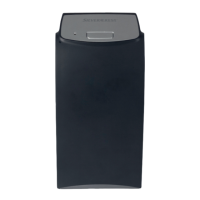
The installation begins and the start window is displayed.
NOTICE
If you have switched off the autostart function and the installation ►
process does not begin automatically you can start the in-
stallation process by double clicking on the fi le "autorun.exe"
in the CD's main directory.
Click on the button "Scanner driver".
Click on the button "Allow" in the Vista user account settings
window.


 To Next Page