Handling and operation
GB
24
KH 2610
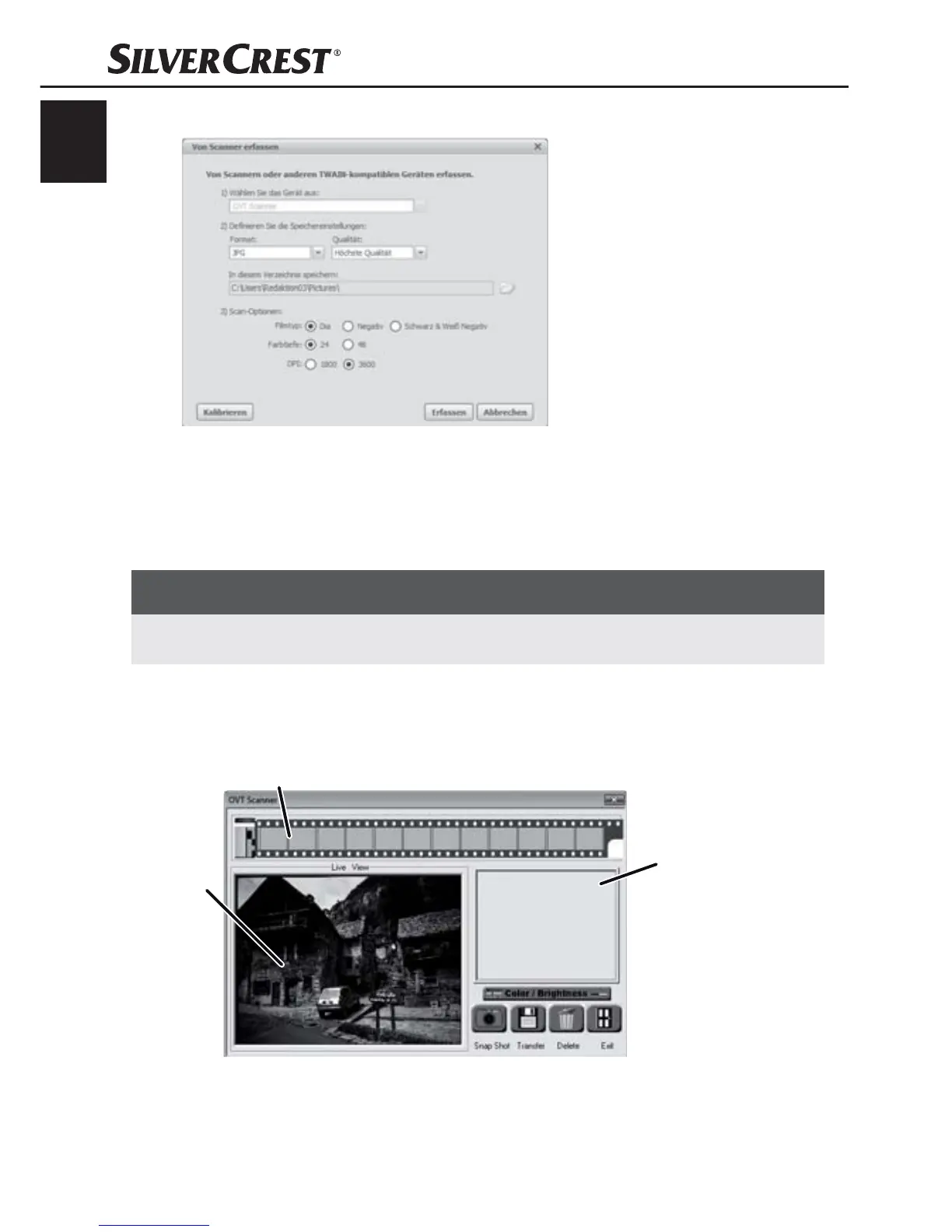
The window "Capture from scanner" will be displayed.
Carry out the necessary settings:
File format, quality (only with JPG fi les), memory location, fi lm
type, colour depth, scan resolution
NOTICE
JPG fi les can only be generated with a colour depth of 24 bits. ►
Click on the button "Capture".
The window "OVT Scanner" will be displayed.
1
2
3


 To Next Page