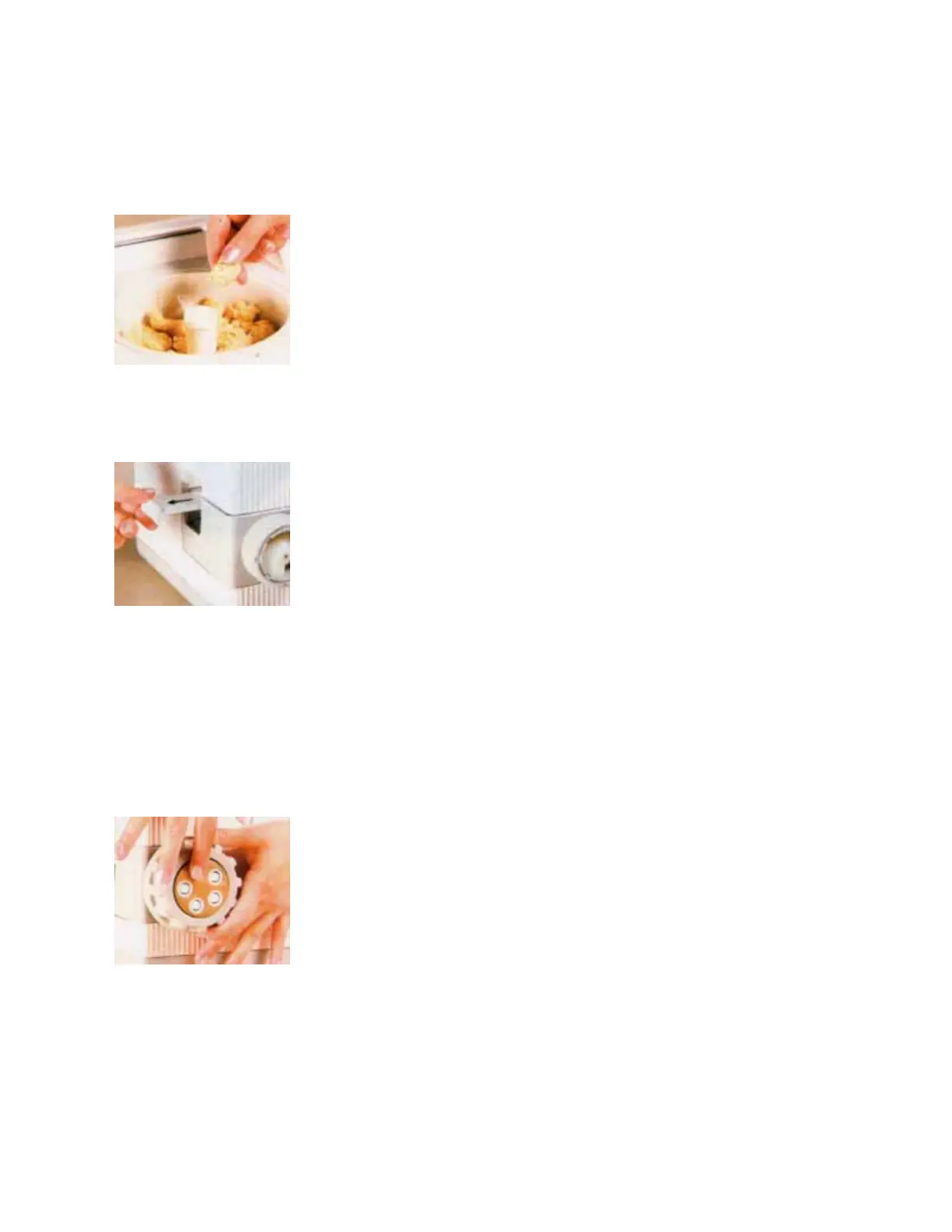
The dough is too wet when it feels sticky in large, smooth balls. To
correct, add 3 tablespoons of flour. Close the cover and let knead for 3
more minutes. You can't overknead the dough.
· Step 9.
Unlatch the cover, remove it, and check the consistency of the dough. If
it feels too wet or too dry, repeat Step 8 above.
You are ready to begin the extrusion process when the dough looks like
walnut-sized lumps that are moist, but not sticky.
Turn the PastaMatic OFF by pressing the ON/OFF switch so that the
button sticks out. Replace and lock the cover.
· Step 10.
Pull out the Slide, then turn the PastaMatic ON.
It will take about one minute for dough to start coming out of the open
end of the Rotary Housing.
Let the machine run until a couple of the larger sized lumps begin to
come out.
Turn the machine OFF by pressing the ON/OFF switch so that the
button sticks out.
Replace the lumps of dough into the Mixing Bowl, and replace and lock
the cover.
· Step 11.
Choose a disc, immerse it for a second in warm water and set it in place
on the end of the Rotary Housing.
Some discs have three tabs on the back, that must line up with the
notches on the Rotary Housing.
Screw the Ring Nut in place over the disc, for a fit snug.


 To Next Page