Need help?
Do you have a question about the Simco-Ion Chargemaster VCM30-N and is the answer not in the manual?
Mount the unit above or below a surface, ensuring ventilation openings are clear. Use provided brackets.
Ground the machine frame and metal parts via conduit or copper wire to a water pipe for safety and operation.
Connect the AC line cord to the unit's IEC 320 input and plug into a properly grounded outlet.
Turn power to OFF, ensure ground, connect bar/applicator, then turn power to ON. Allow time for display.
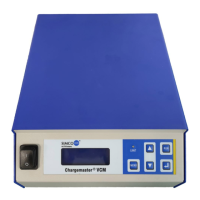
Details the functions of the keypad buttons: [Menu], [Up], [Down], [Run], [Enter], etc.
Press [UP] or [DOWN] to adjust voltage or current set points. The display updates to show the new values.
Energize the power supply remotely by closing a contact between D-Sub pins 1 & 7.
 General
| Model | VCM30-N |
|---|---|
| Input Voltage | 100-240 VAC |
| Frequency | 50/60 Hz |
| Output Voltage | 0 to ±30 kV |
| Ripple | <0.1% RMS |
| Control Interface | Keypad |
| Remote Control | RS-232 |
| Operating Temperature | 0 to 40°C |
| Polarity | Positive or Negative |
| Display | LCD |
| Storage Temperature | -20 to 60°C |
| Humidity | non-condensing |


 To Next Page