Download a driver (Resource->Software->SIM8200 Driver) on your computer and then
unzip it.
Enter SIM8200_OS_Driver\Windows directory.
For most hosts, you can enter "1_install" directory and then click "setup.exe" to install.
After connecting, a mobile network icon will appear. You can disconnect from other
networks and test the mobile network.
3. Install Driver Manually
For some hosts, the port may not appear even if "1_install" is installed. In this case, you
need to use the files in "2_AddManully" to add them manually. The way to use it is to find
the unrecognized device in the device manager and right-click to add the driver, as
follows:
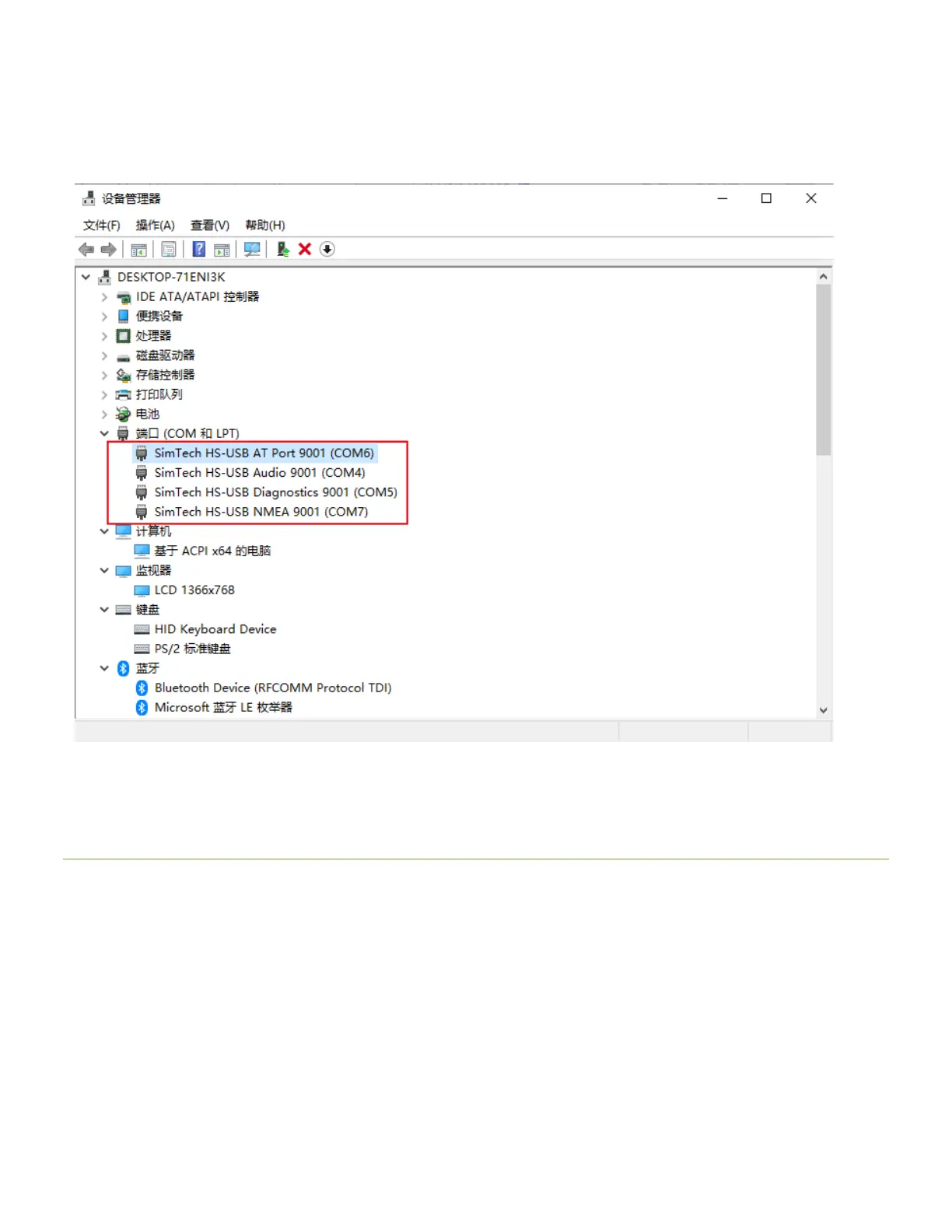
Power on the G module and turn the switch to ON, the module starts, and the computer
will recognize 4 unknown devices (maybe some boards will recognize 5 or 6), only 5 in
the picture:


 To Next Page
 Loading...