■
Parameters for reading out and configuring
1. Reading outparameters
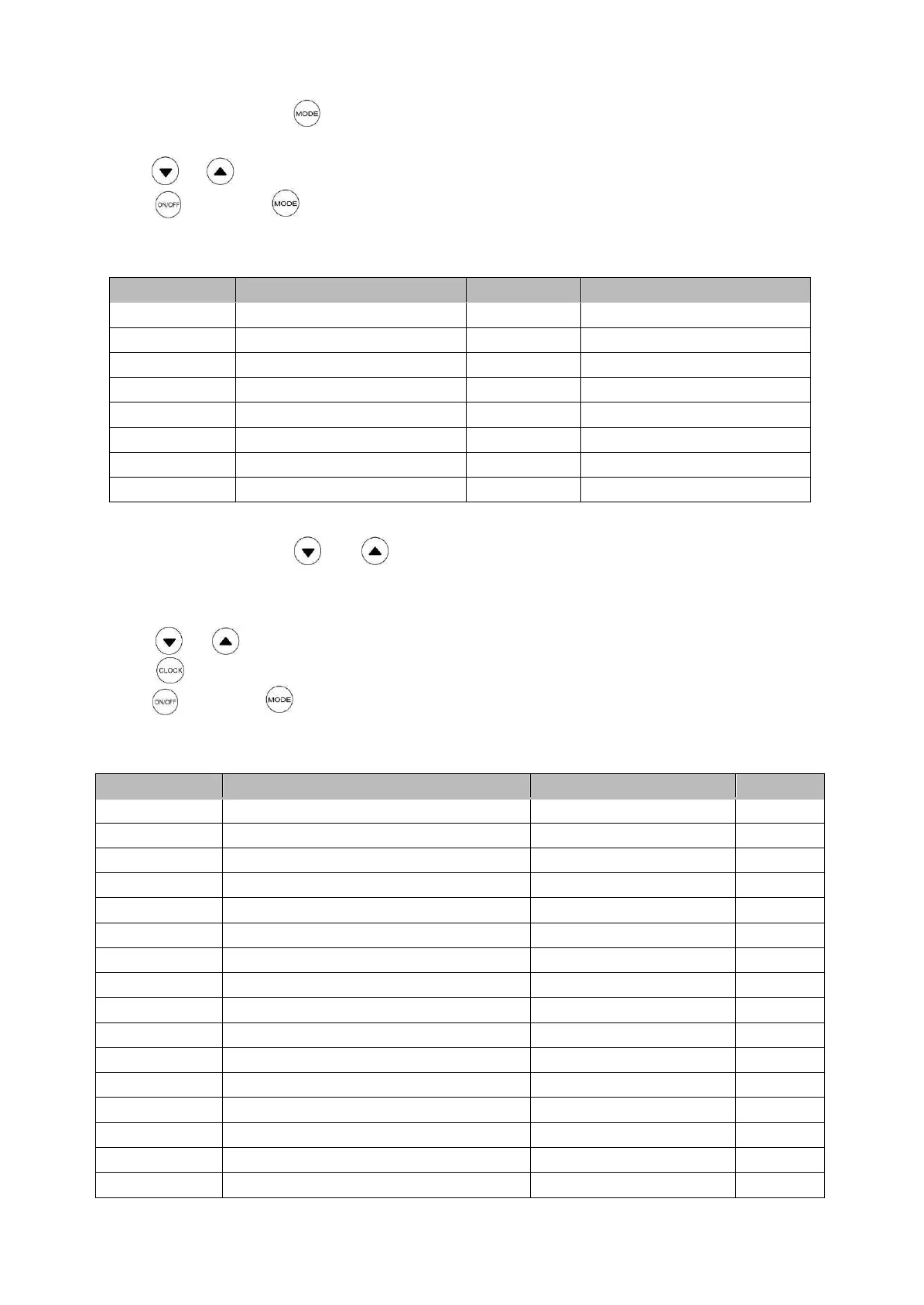
From home page, press button for 3s to enter parameters page.
Temperature area display parameter code, clock area display value.
Press or button to scroll down/up.
Press button or button or without any operation within 30 seconds, the system will
return to the home page.
List of parameters refer to table below:
Evaporator coil temperature
Solar collector temperature
2. Configuring parameters
From home page, press and button at the same time for 3s to enter into parameter
configuring page.
Temperature area display parameter code, clock area display value.
Press or button and adjust the data of special parameters.
Press button for confirmation or scroll to next parameter.
Press button or button or without any operation within 30 seconds, the system will
return to the home page.
List of parameters can be configured refer to table below:
Correction for tank water temperature
Tank water temperature differential
Defrost enter temperature
Status of anti-legionella
Clock of anti-legionella start


 To Next Page